65 45 177 D3492
D3492.201.09.01.02 05.2015
11
Sirona Dental Systems GmbH 3Product description
Operating Instructions CEREC Radio Device 3.1Main components of the product
båÖäáëÜ
3.1.2 LED displays
Two LEDs indicate the condition of the unit. Each LED may have the
following states:
● Off
● Slowly flashing
● Quickly flashing
● On
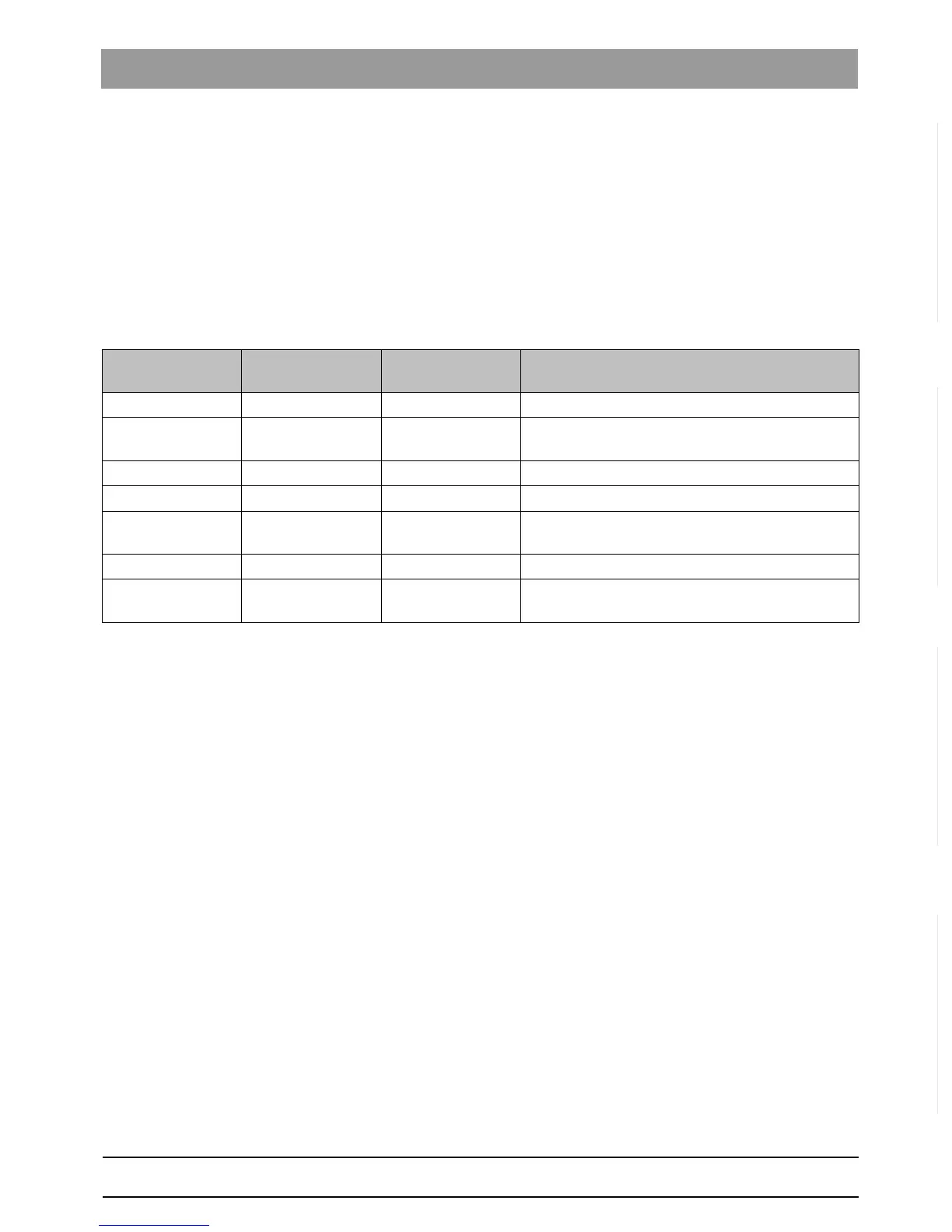
The table below shows the possible unit states:
State LED color
Orange
LED color
Green
Explanation
Booting Off Off Both LEDs are not yet ready for operation.
Networking Slowly Slowly This state usually only occurs when a new network
is set up.
Isolated Quickly Slowly No network could be created.
Separated On Slowly No network devices are in range.
Connected Off On The unit is working properly and is ready for data
transmission.
Transfer Off Quickly Quick flashing indicates data transfer in process.
Error Quickly Quickly A serious error has occurred. A restart and possibly
a firmware update are required to resolve this.














 To Next Page