65 45 177 D3492
22 D3492.201.09.01.02 05.2015
6Networking Sirona Dental Systems GmbH
6.5Resetting to factory defaults Operating Instructions CEREC Radio Device
6.5
Resetting to factory defaults
A network unit that was previously part of a network can be removed from
this network.
➢ This is completed by holding the reset button for five seconds.
This will reset the network unit to factory defaults.
6.6
Network unit states
The proper behavior of a network unit can be identified by its state. This
section describes the possible states that can be identified for a network
unit. To provide feedback on the proper operation of the network unit to
the user, these states are also mapped onto LED indications.
6.6.1 State definitions
The following states can be identified for a network unit:
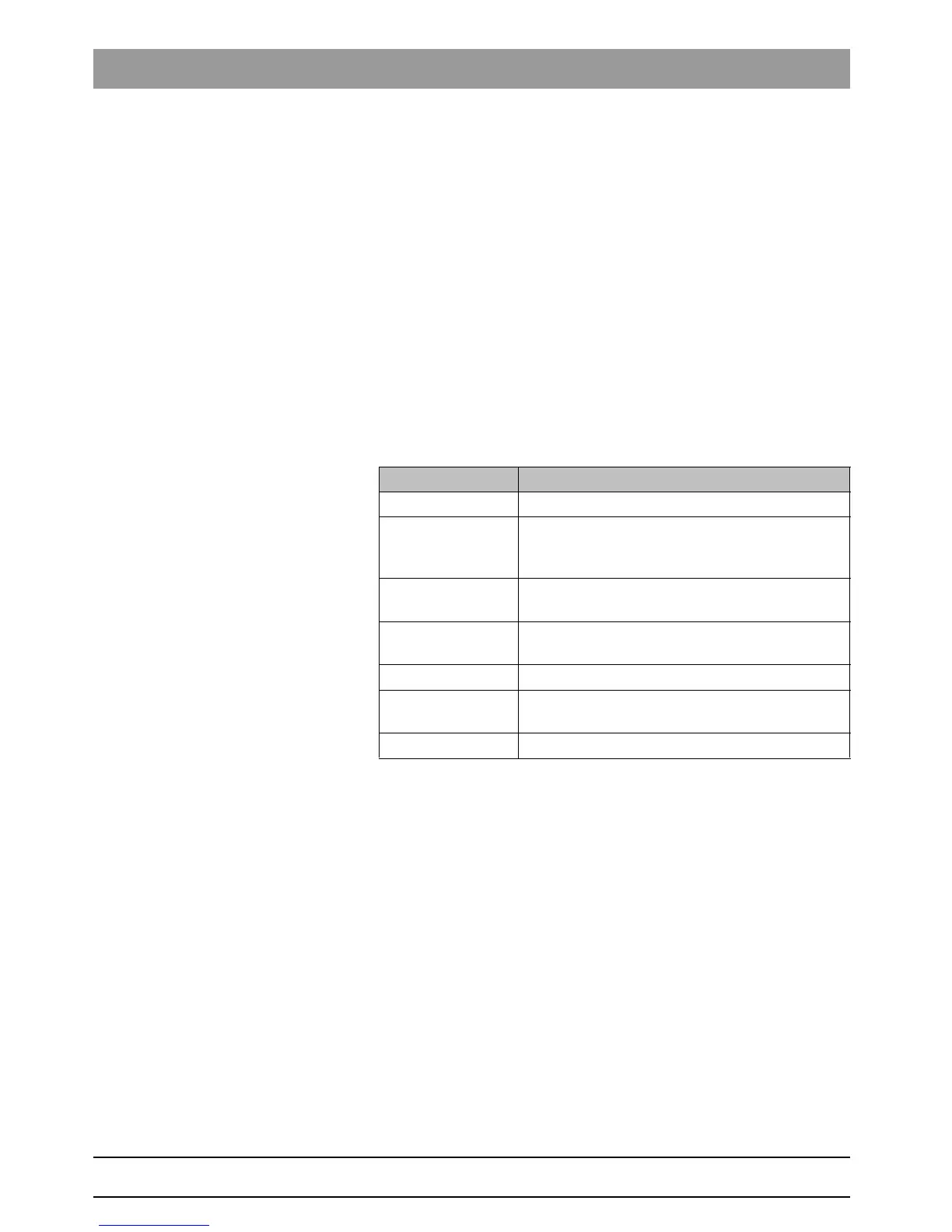
State Description
Booting The firmware starts the network device.
Networking The network unit was not previously part of a
network and is trying to detect other network units
to create a new network.
Isolated The network unit was not previously part of a
network. No other network units found.
Separated Part of a network, but not in range of other network
units.
Connected Connected to one or more network units.
Transfer Transfer of Ethernet packets from the wireless
network to the LAN and vice versa.
Error Hardware error














 To Next Page