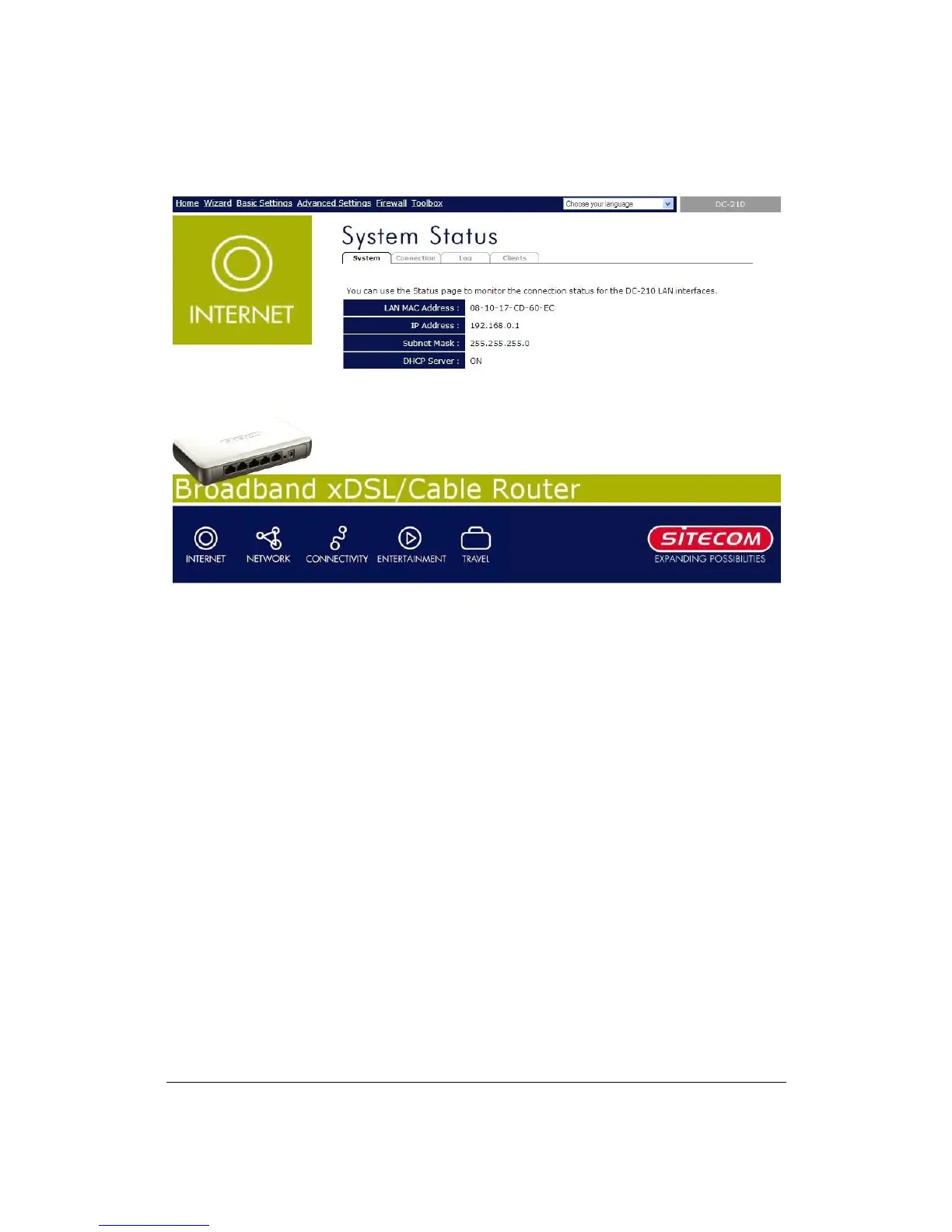
The HOME page screen below will appear.
6) Click on Wizard (see chapter 2) to start configuring settings required by your
ISP so that you can start accessing the Internet. The other sections (Basic
Settings, Advanced Settings, Firewall and Toolbox) do not need to be configured
unless you wish to implement/monitor more advance features/information.


 To Next Page