12 Toolbox
12.1 Back-up
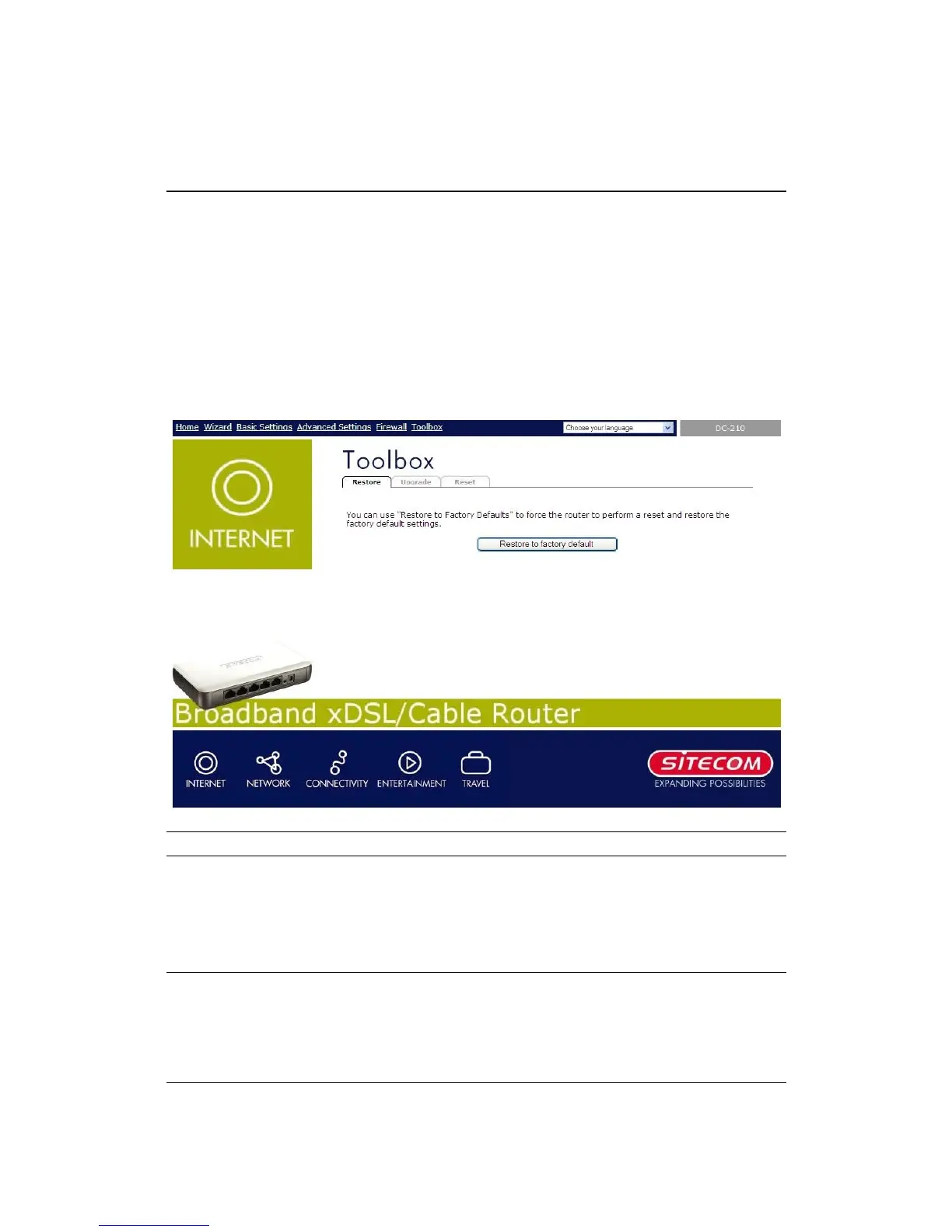
The Toolbox screen allows you to save (Backup) the router’s current configuration
setting. Saving the configuration settings provides an added protection and
convenience should problems occur with the router and you have to reset to factory
default. When you save the configuration setting (Backup) you can re-load the saved
configuration into the router through the Restore selection. If extreme problems
occur you can use the Restore to Factory Defaults selection, this will set all
configurations to its original default settings (e.g. when you first purchased the
router).
Parameters Description
Restore
Y can use the "Restore to Factory Defaults" tool to
force the Broadband router to perform a power reset
and restore the original factory settings.


 To Next Page