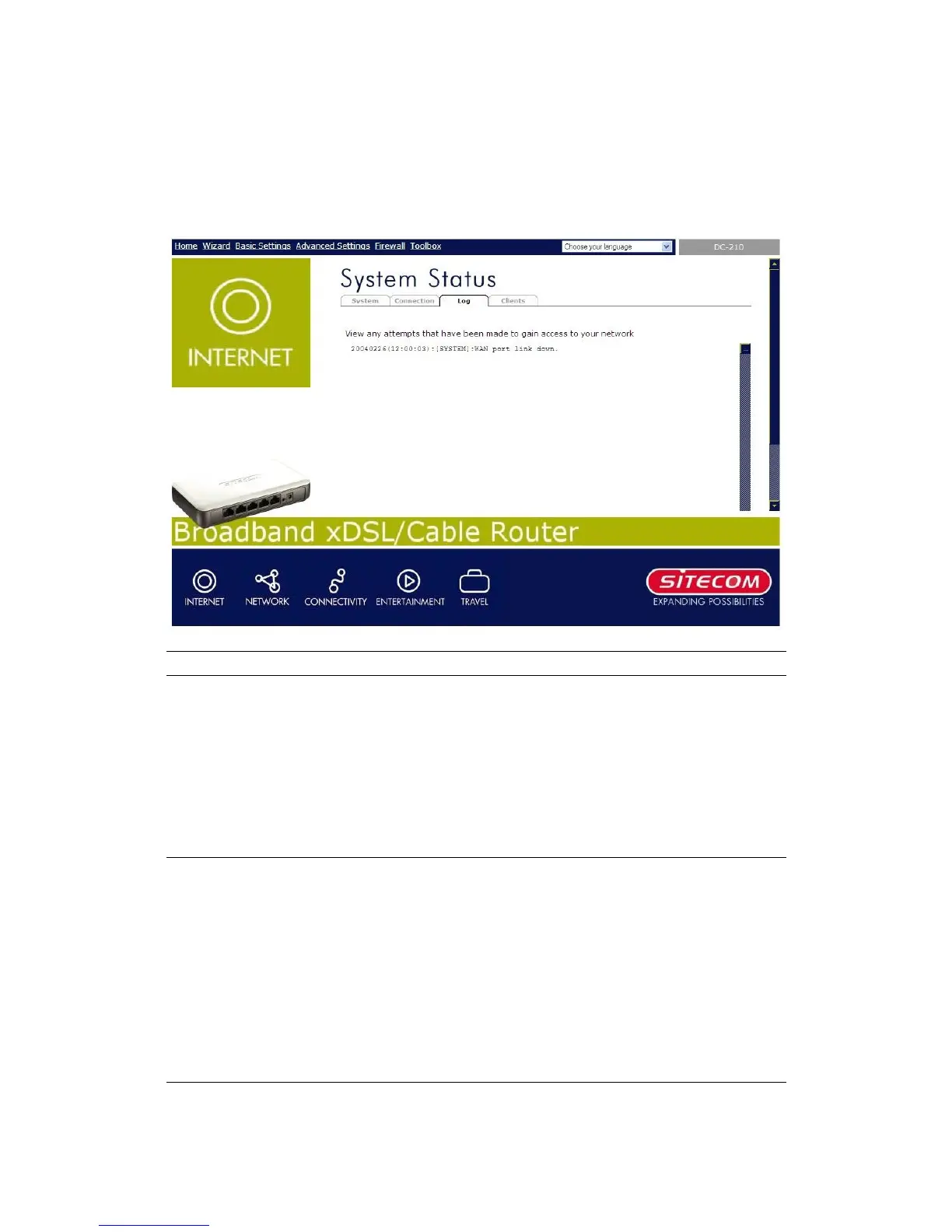
7.3 System Log
View the operation log of the system.
Parameters Description
System Log This page shows the current system log of the
Broadband router.
At the bottom of the page, the system log can be saved
<Save> to a local file for further processing or the
system log can be cleared <Clear> or it can be
refreshed <Refresh> to get the most updated
situation. When the system is powered down, the
system log will disappear if not saved to a local file.


 To Next Page