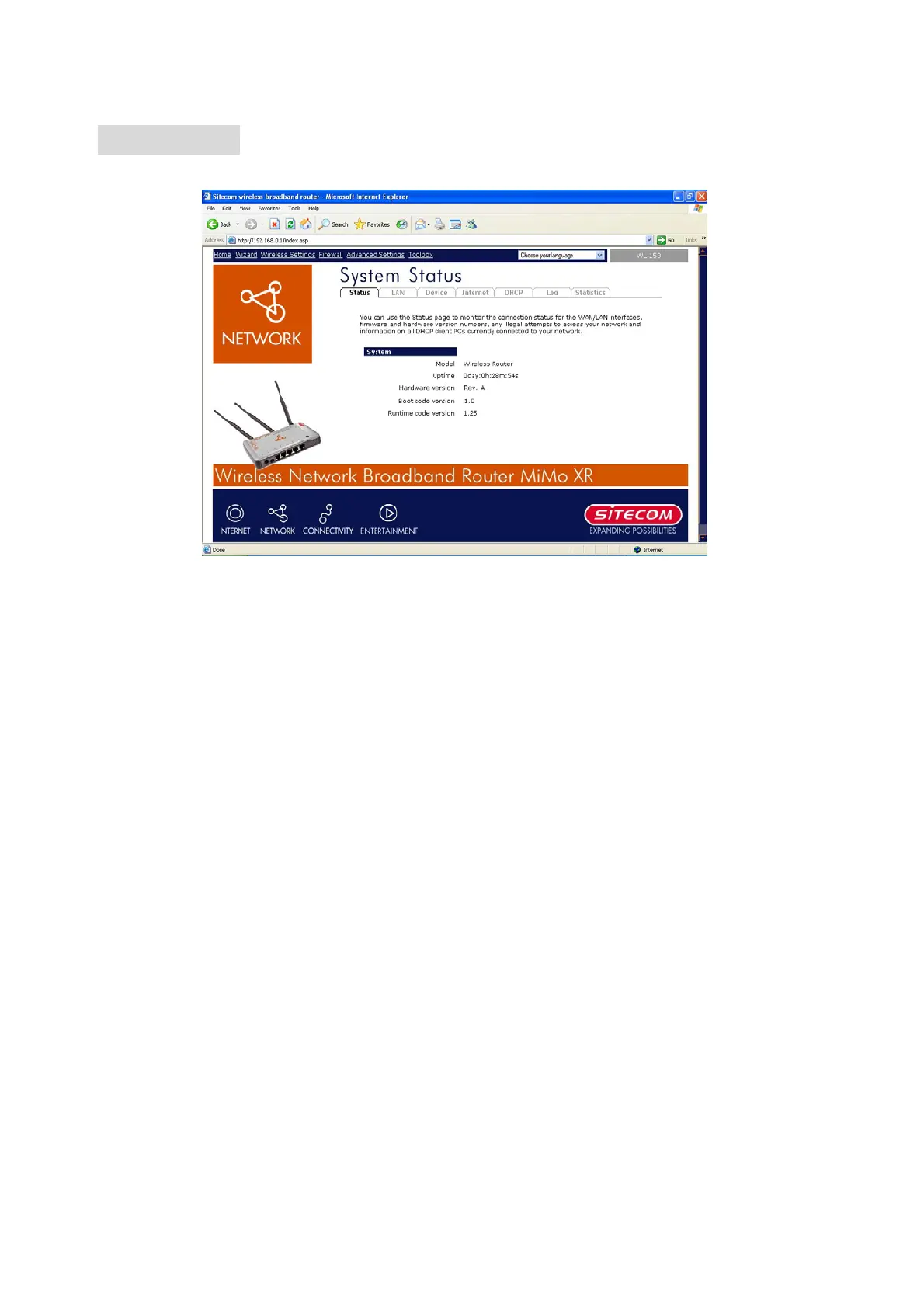
4.2 Status
The Status section allows you to monitor the current status of your router. You can use the
Status page to monitor: the connection status of the Broadband router's WAN/LAN interfaces,
the current firmware and hardware version numbers, any illegal attempts to access your
network, and information on all DHCP client PCs currently connected to your network.
14



 To Next Page