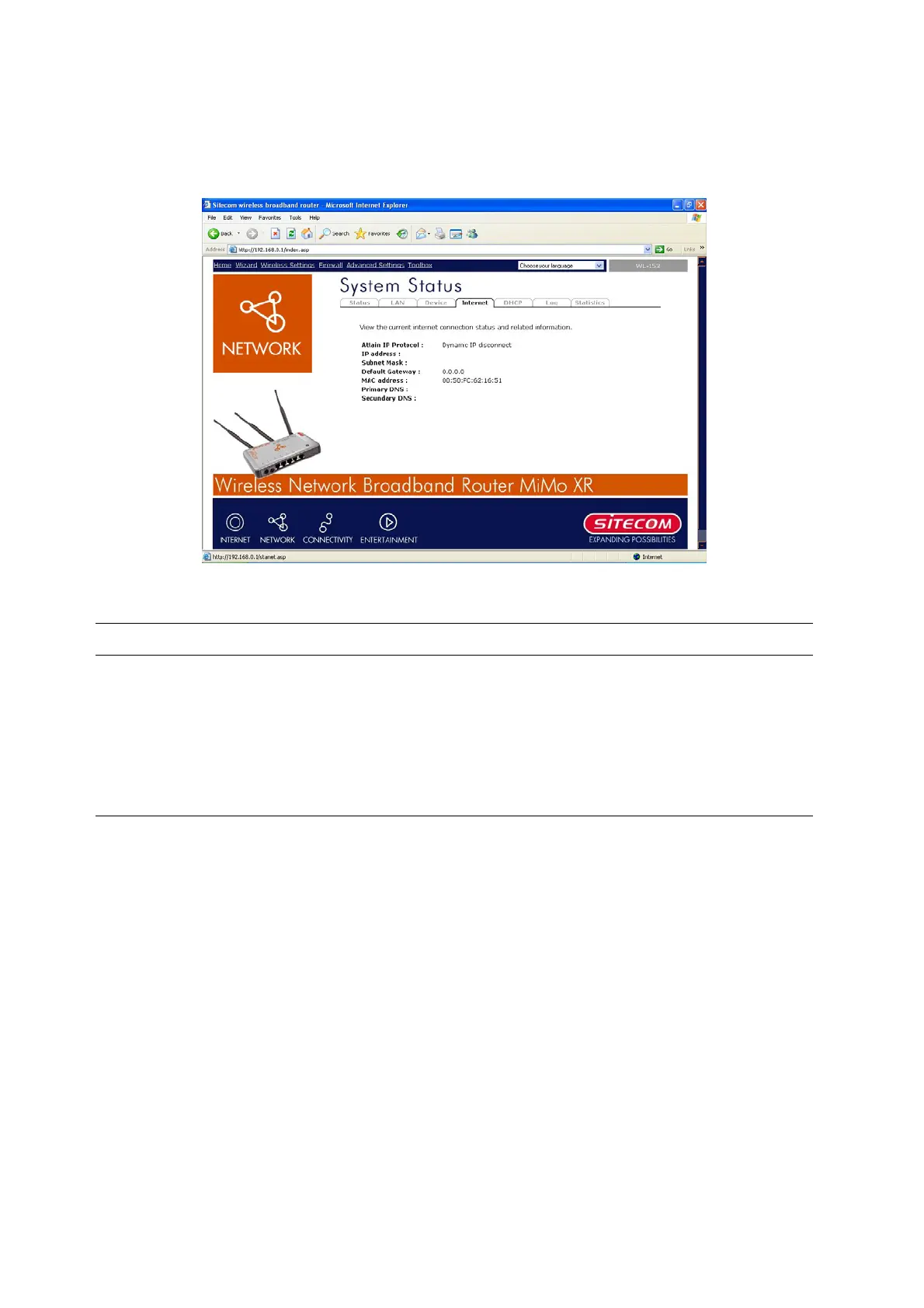
4.2.3 Internet Status
View the Broadband router’s current Internet connection status and other related information
Parameters Description
Internet Connection This page displays whether the WAN port is connected to a
Cable/DSL connection. It also displays the router’s WAN port:
WAN IP address, Subnet Mask, and ISP Gateway as well as
the Primary DNS and Secondary DNS being used.
18



 To Next Page