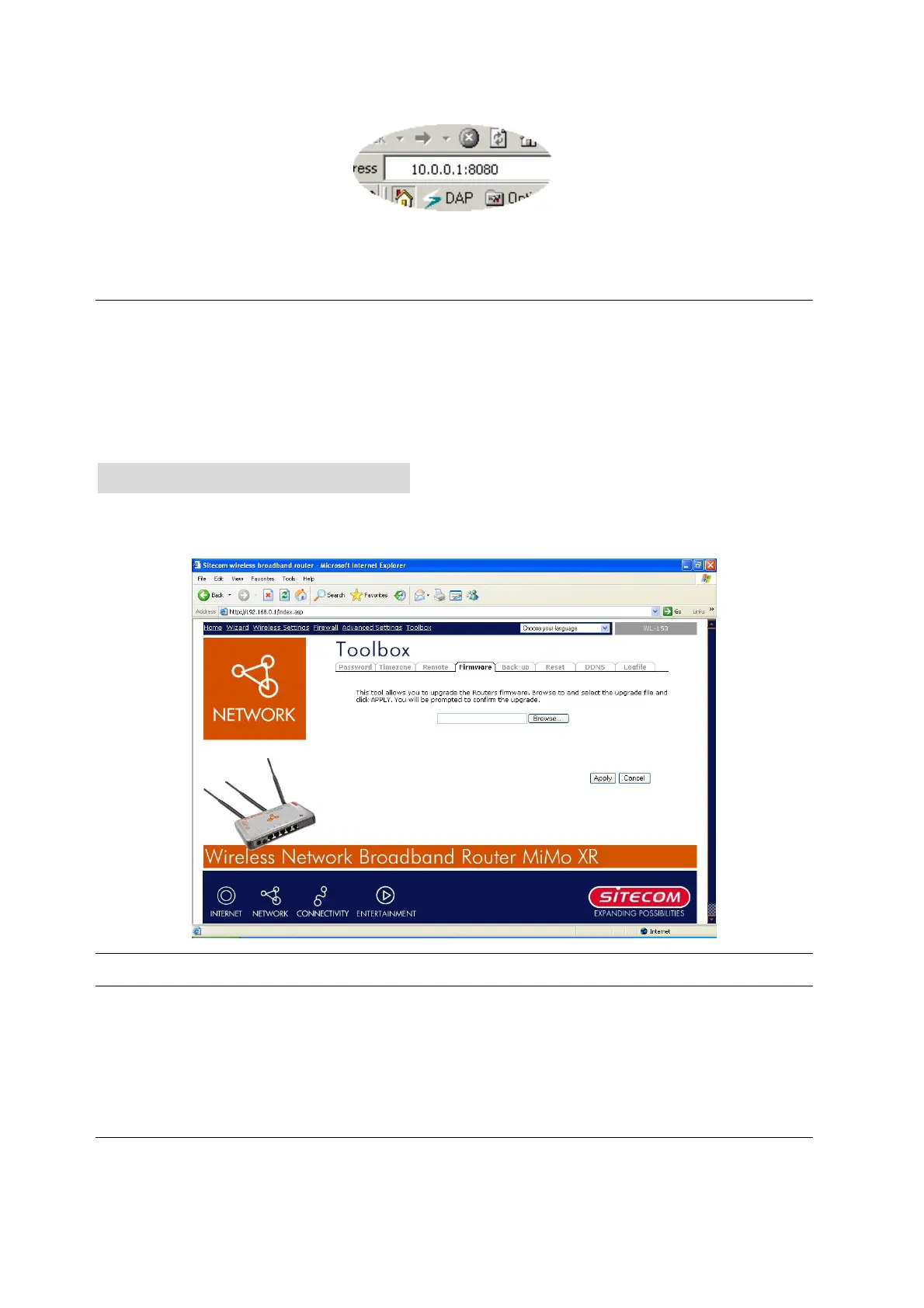
Port The port number of remote management web interface.
Enabled Select “Enabled” to enable the remote management function.
Click <Apply> at the bottom of the screen to save the above configurations. You can now
configure other advance sections or start using the router (with the advance settings in place)
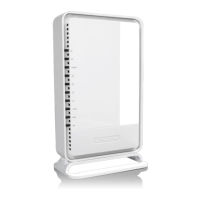
9.3 Firmware Upgrade
This page allows you to upgrade the router’s firmware.
Parameters Description
Firmware Upgrade This tool allows you to upgrade the Broadband router’s system
firmware. To upgrade the firmware of your Broadband router, you
need to download the firmware file to your local hard disk, and enter
that file name and path in the appropriate field on this page. You can
also use the Browse button to find the firmware file on your PC.
Once you’ve selected the new firmware file, click <Apply> at the bottom of the screen to start
49



 To Next Page