Chapter 9 Tools
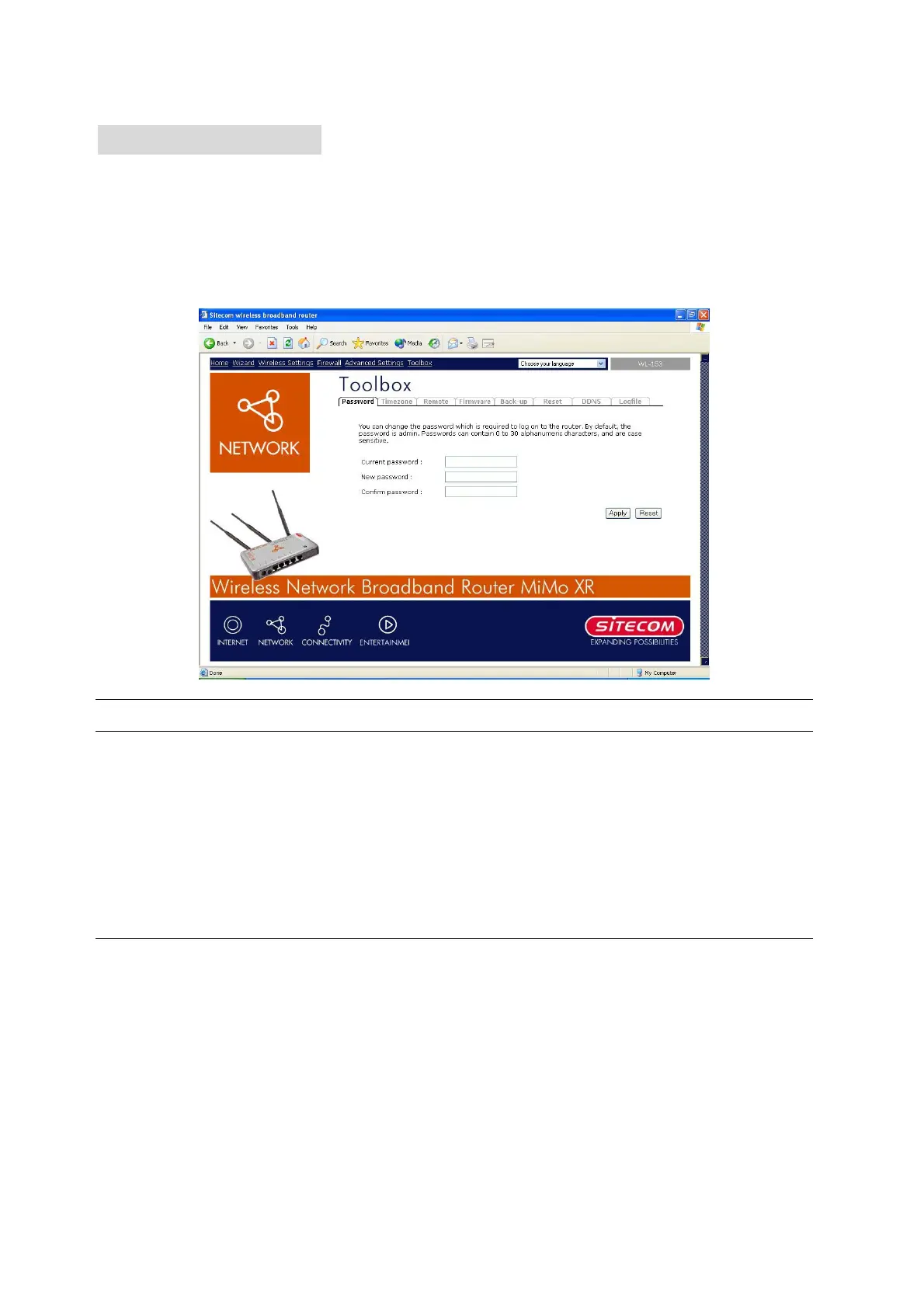
You can change the password required to log into the broadband router's system web-based
management. By default, there is no password. So please assign a password to the
Administrator as soon as possible, and store it in a safe place. Passwords can contain 0 to 12
alphanumeric characters, and are case sensitive.
Parameters Description
Current Password Enter your current password for the remote management
administrator to login to your Broadband router.
New Password Enter your new password
Confirmed Password Enter your new password again for verification purposes
Note: If you forget your password, you’ll have to reset the router to the factory default (password is admin) with
the reset button (see router’s back panel).
Click <Apply> at the bottom of the screen to save the above configurations. You can now
configure other advance sections or start using the router (with the advance settings in place)
46



 To Next Page