Wi-Fi Home Cam User Manual
16
Camera settings
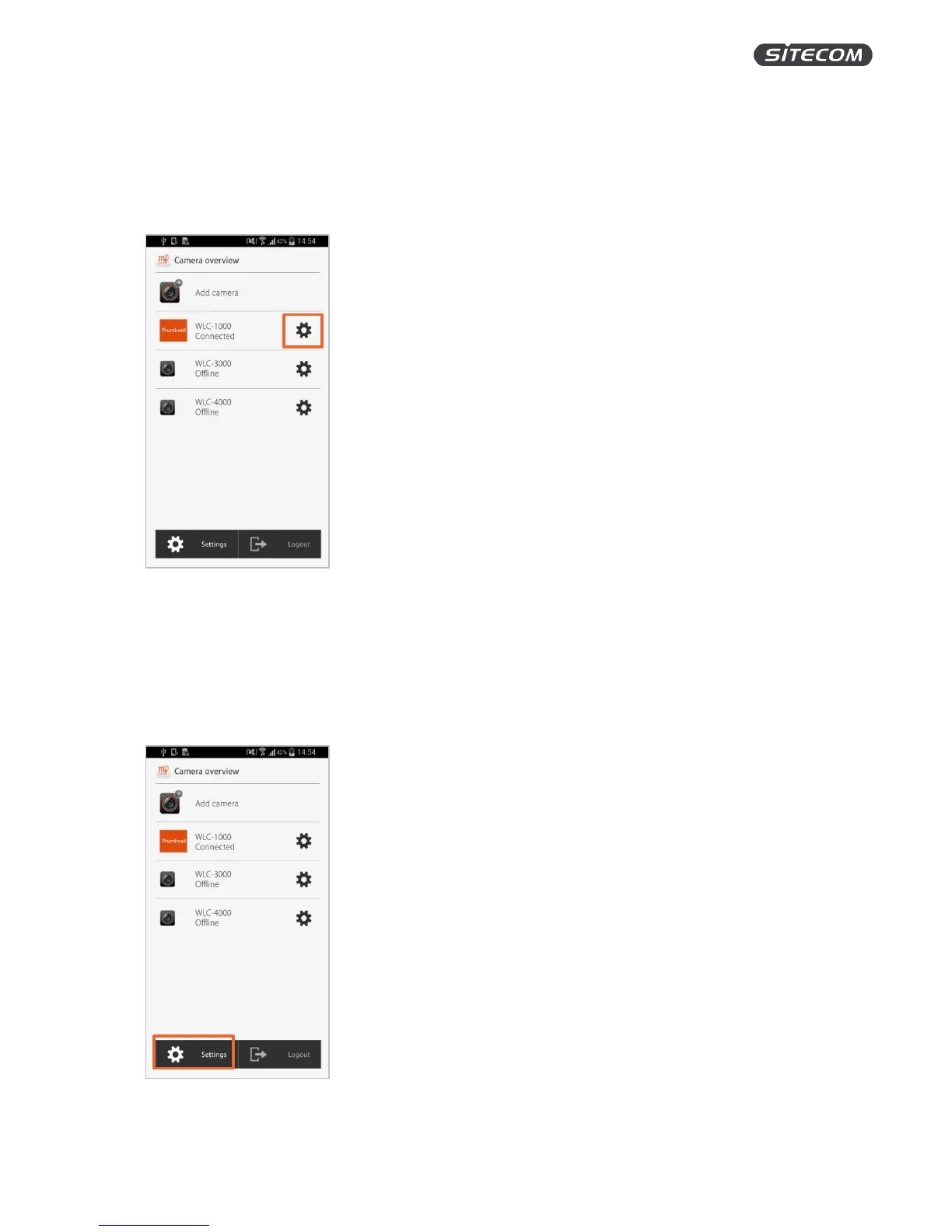
The camera settings screen lets you change things such as the quality of the recordings, activate the
motion and sound detection and the date & time.
Click on the gear wheel symbol next to your installed camera to go to the camera settings.
MyCam account settings
The MyCam account settings screen lets you update the account settings, Google Drive settings,
notifications settings and firmware updates.
Click on the gear wheel symbol in the bottom left corner to go to the camera settings.


 To Next Page