Wi-Fi Home Cam User Manual
38
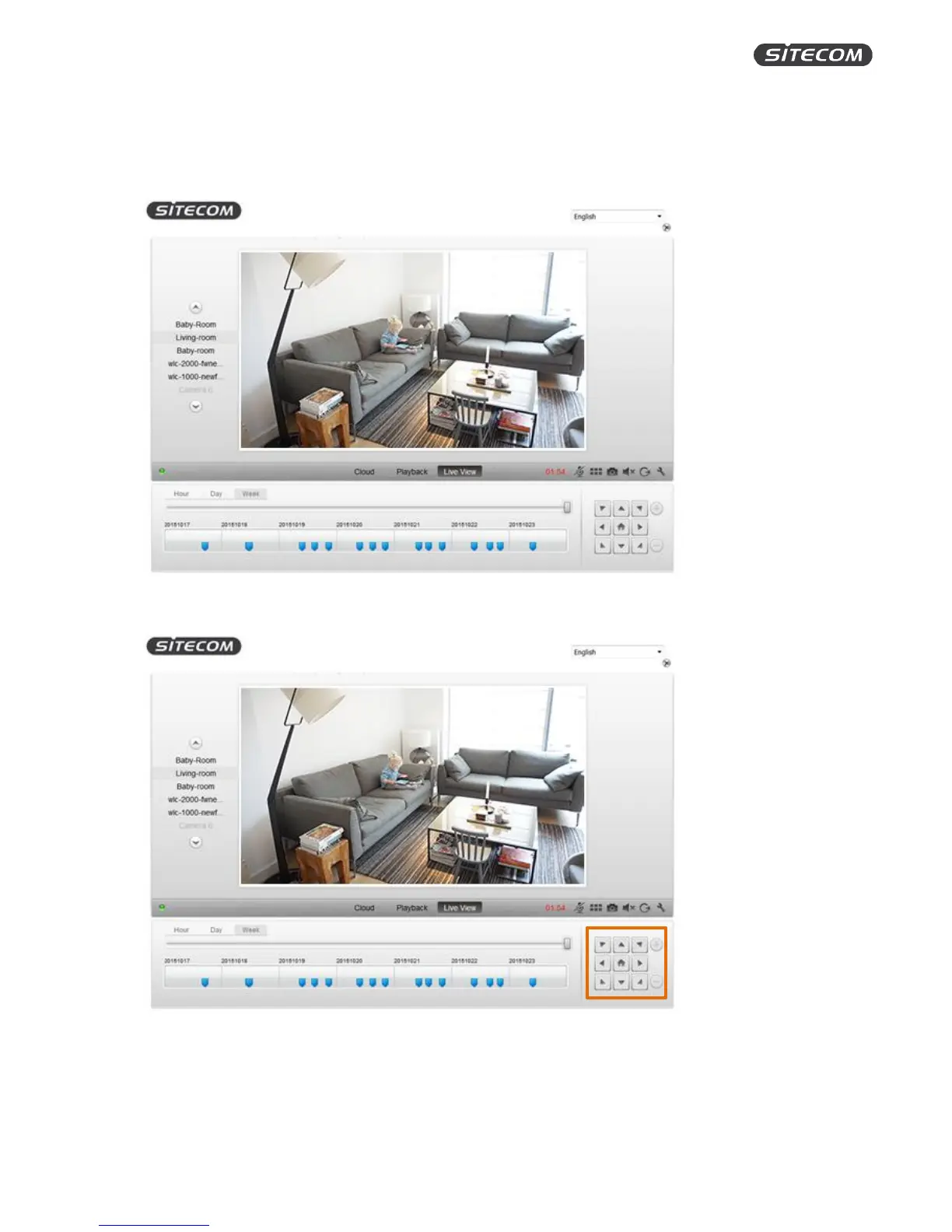
LIVE VIEW
The live view screen shows the current view of your camera, lets you control the camera and watch
recorded events.
Control
The buttons are only functional if your camera has the ability to move (e.g. Wi-Fi Home Cam
Twist).
Click on the arrows to move the camera left and right.
Click on the home icon will bring your camera back to its original position.


 To Next Page