Wi-Fi Home Cam User Manual
24
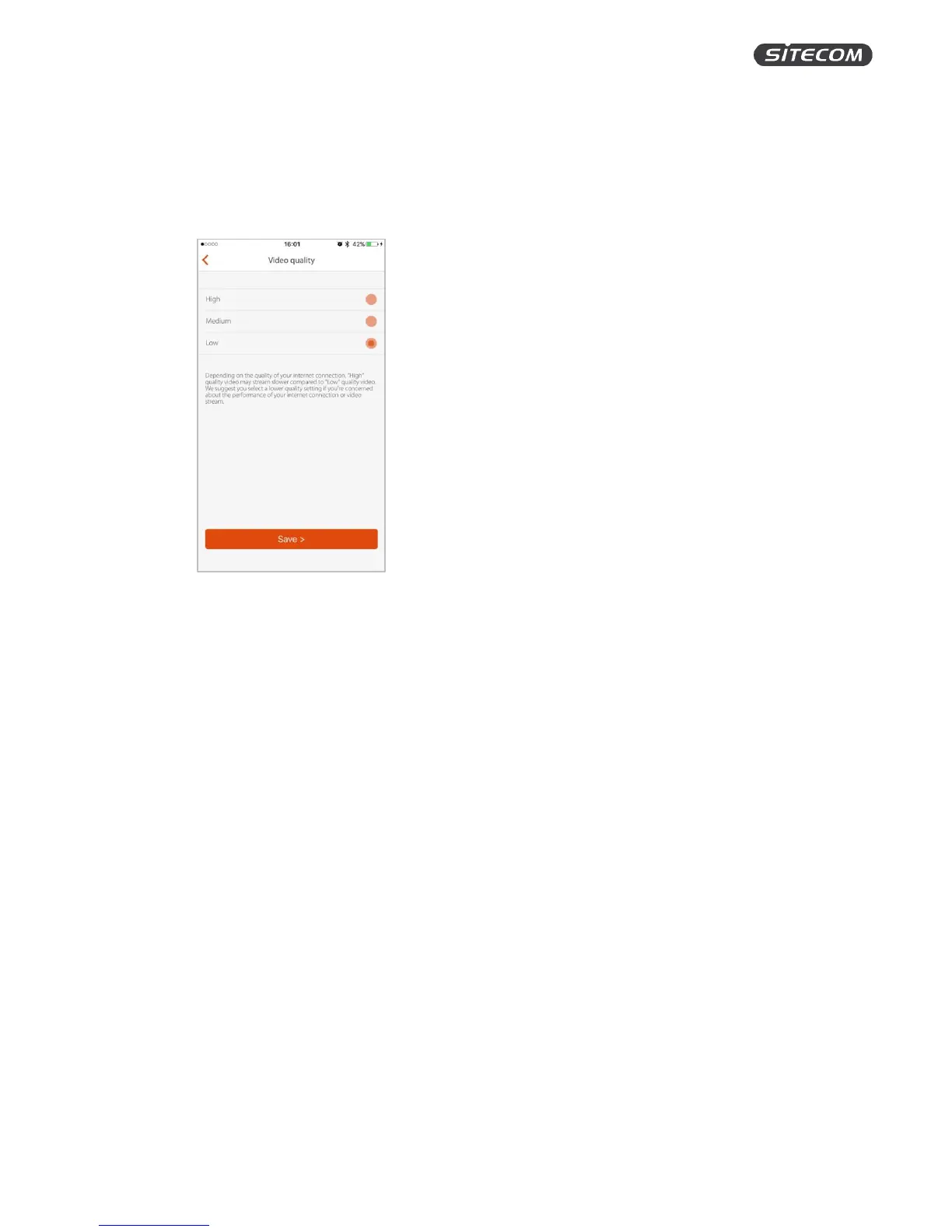
Change the video quality
On this screen, you can change the video quality. Depending on the speed and quality of your
Internet and Wi-Fi connection, you might want to set the video quality lower to save bandwidth.
1. Select one of the video quality options by clicking on them.
2. Click “Save” to save the changes and go back to the camera overview screen.


 To Next Page