Wi-Fi Home Cam User Manual
11
INSTALL YOUR WI-FI HOME CAM
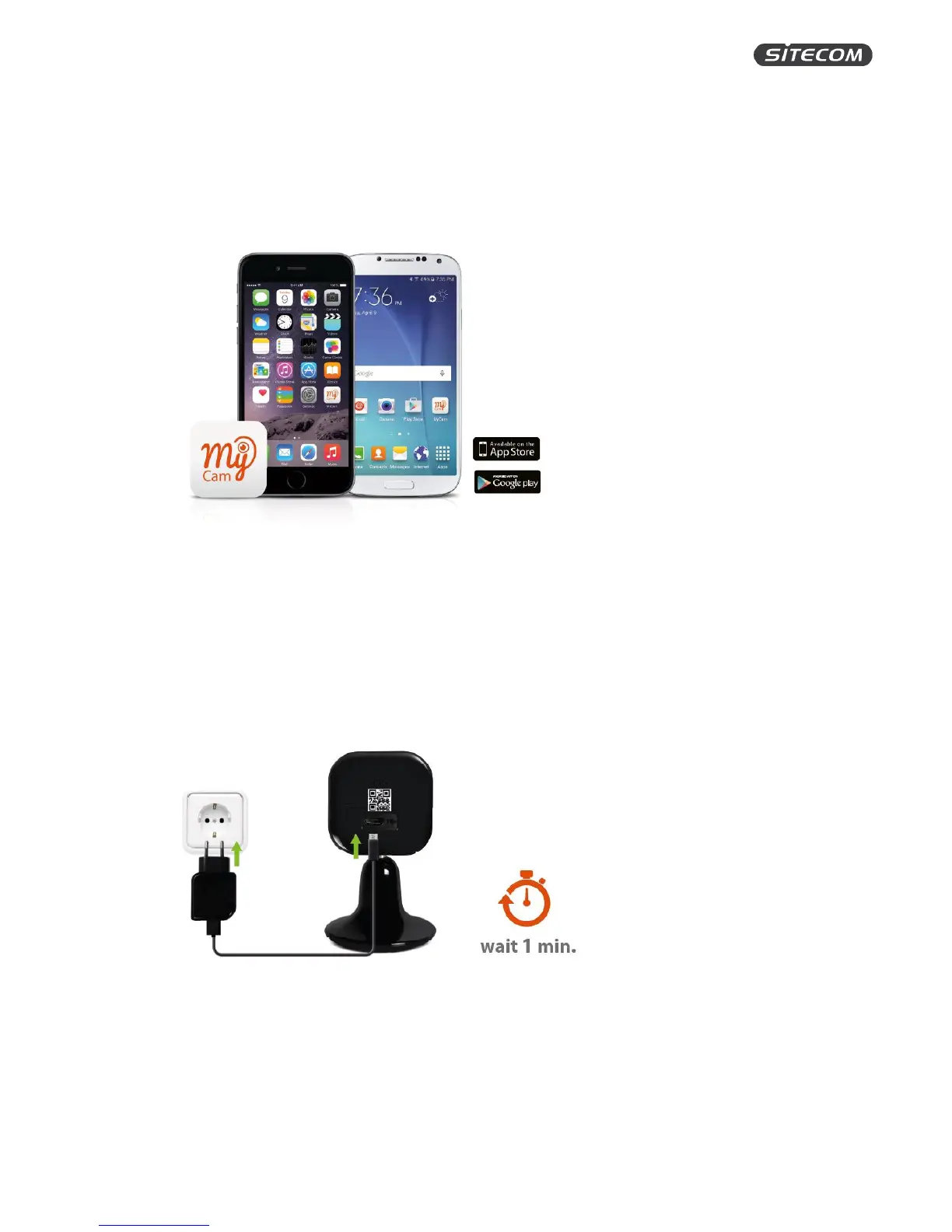
Step 1: Download the app.
1. Go to the App Store / Google Play and search for the ‘MyCam’ app.
2. Download and install the app.
Info: Do not open the MyCam app yet. Wait until after step 3. (If you have already opened the app,
close it completely. Check your device manual to see how.)
Step 2: Connect the camera to mains power
1. Connect the cam to the power socket with the included power adapter and USB cable.
2. Wait one minute so that the camera can start up.
Tip: Use a socket close to your (modem) router. You can move the cam later when it’s fully setup.


 To Next Page