Wi-Fi Home Cam User Manual
19
RECORDED EVENTS
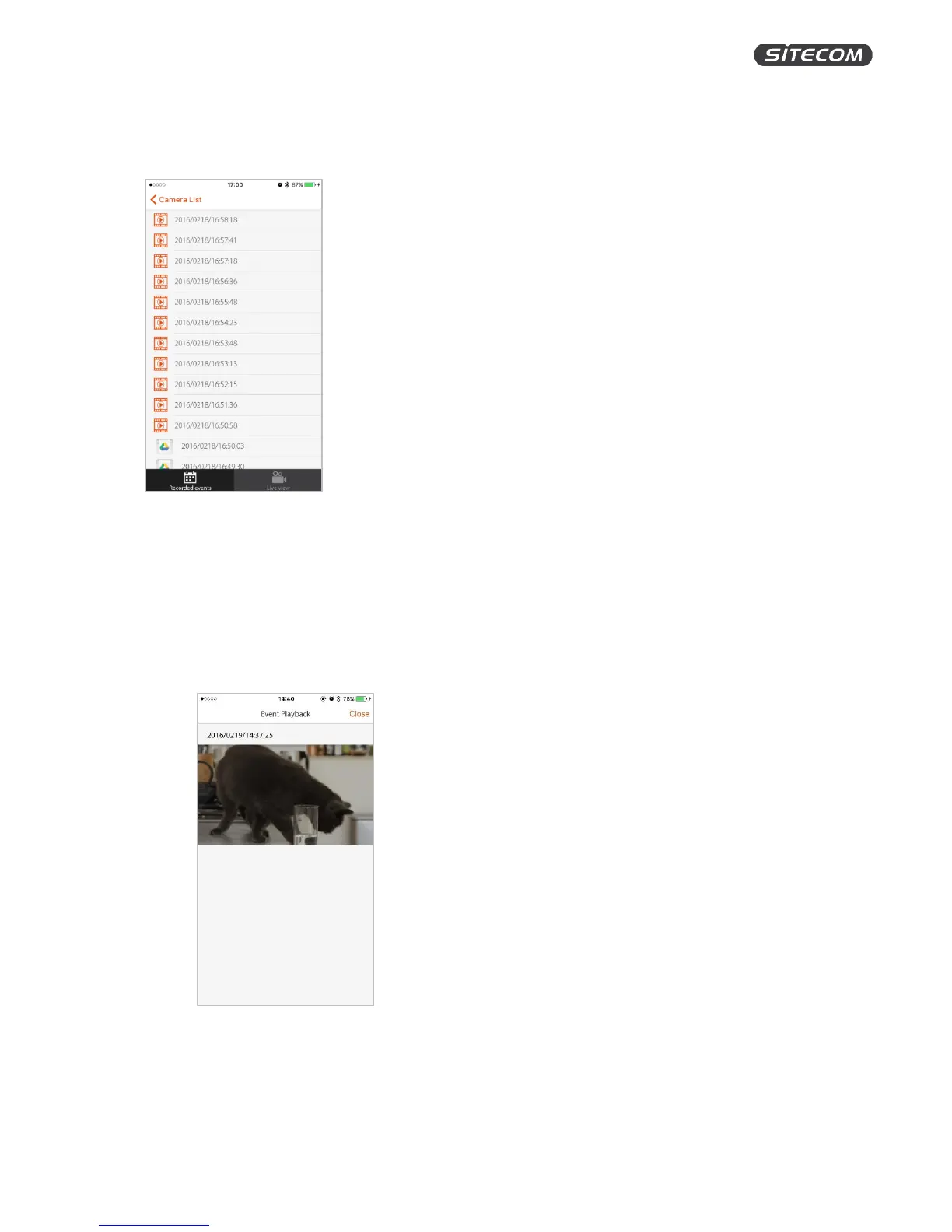
On the screen, you see an overview of all the motion and sound events that the camera recorded.
Filmstrip icon: Recorded on the microSD card and not saved in your Google Drive.
Google Drive icon: Recorded on the microSD card and backed up in your Google Drive.
Watch a recording
1. Click on any event to watch the recording. The video will play automatically.
2. While watching the video, you can press “Close” in the top right corner to go back to the
recorded events screen.
3. After the video has finished playing, you will go back to the recorded events screen
automatically.


 To Next Page