MK32 User Manual V1.1
44
2023 SIYI Technology, All Rights Reserved
About Datalink Connection
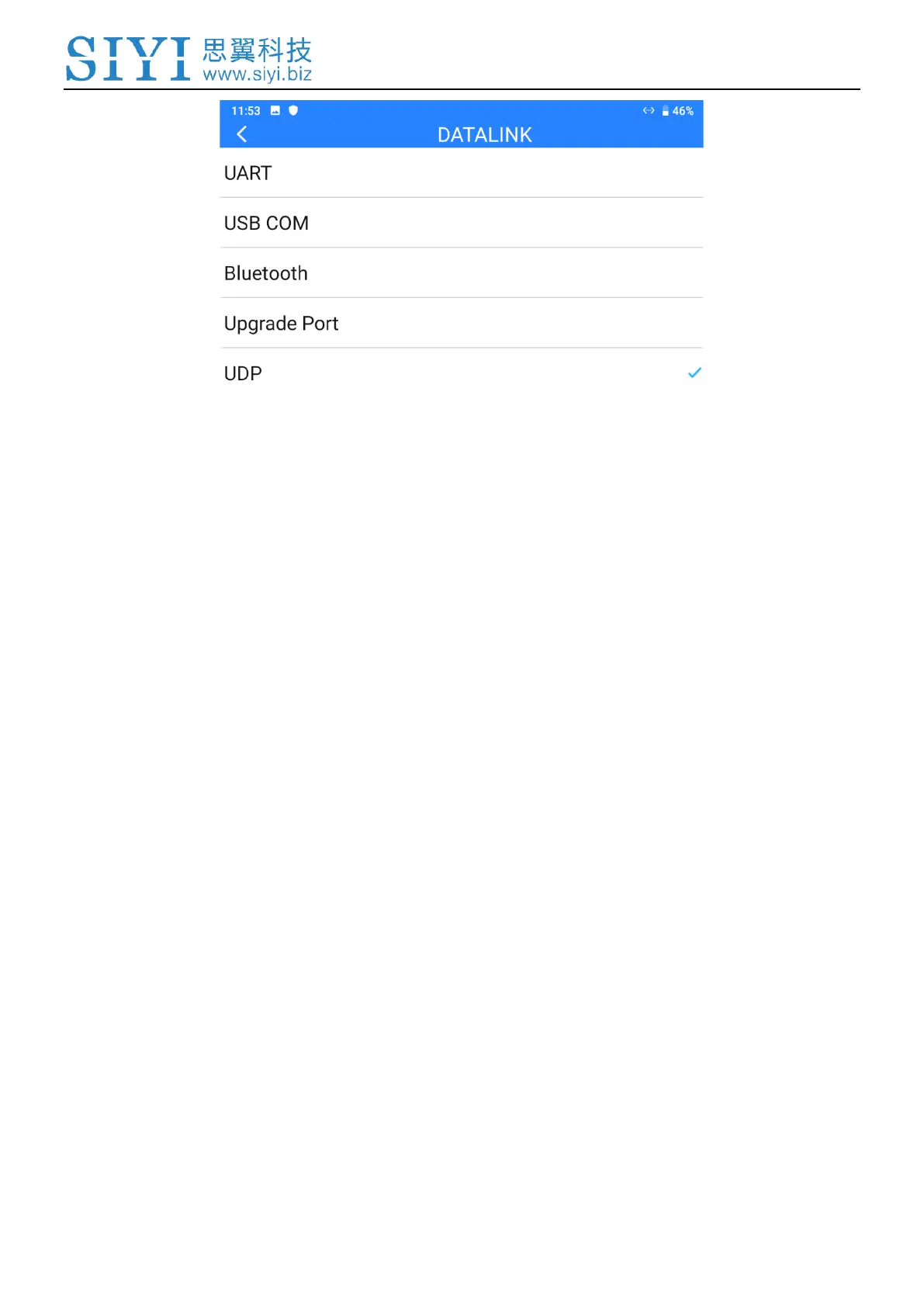
UART: Telemetry data goes through the built-in UART port in the remote controller.
*Compatible with specific Android GCS, such as BOYING, JIYI, and VKFLY.
*Developers can acquire SDK from SIYI to use the port for their GCS.
USB COM: Telemetry data goes through the built-in CP2102 port in the remote controller.
*Compatible with Android QGroundControl.
Bluetooth: Telemetry data goes wirelessly through the built-in Bluetooth connection.
*Compatible with most Android and Windows GCS.
Type-C Upgrade Port: Telemetry data goes to Windows GCS through the Type-C port on
MK32 remote controller.
UDP: Telemetry data goes through UDP network protocol.
3.2.2 Flight Controller
Select your required flight controller type for datalink connection in the provided


 To Next Page