MK32 User Manual V1.1
62
2023 SIYI Technology, All Rights Reserved
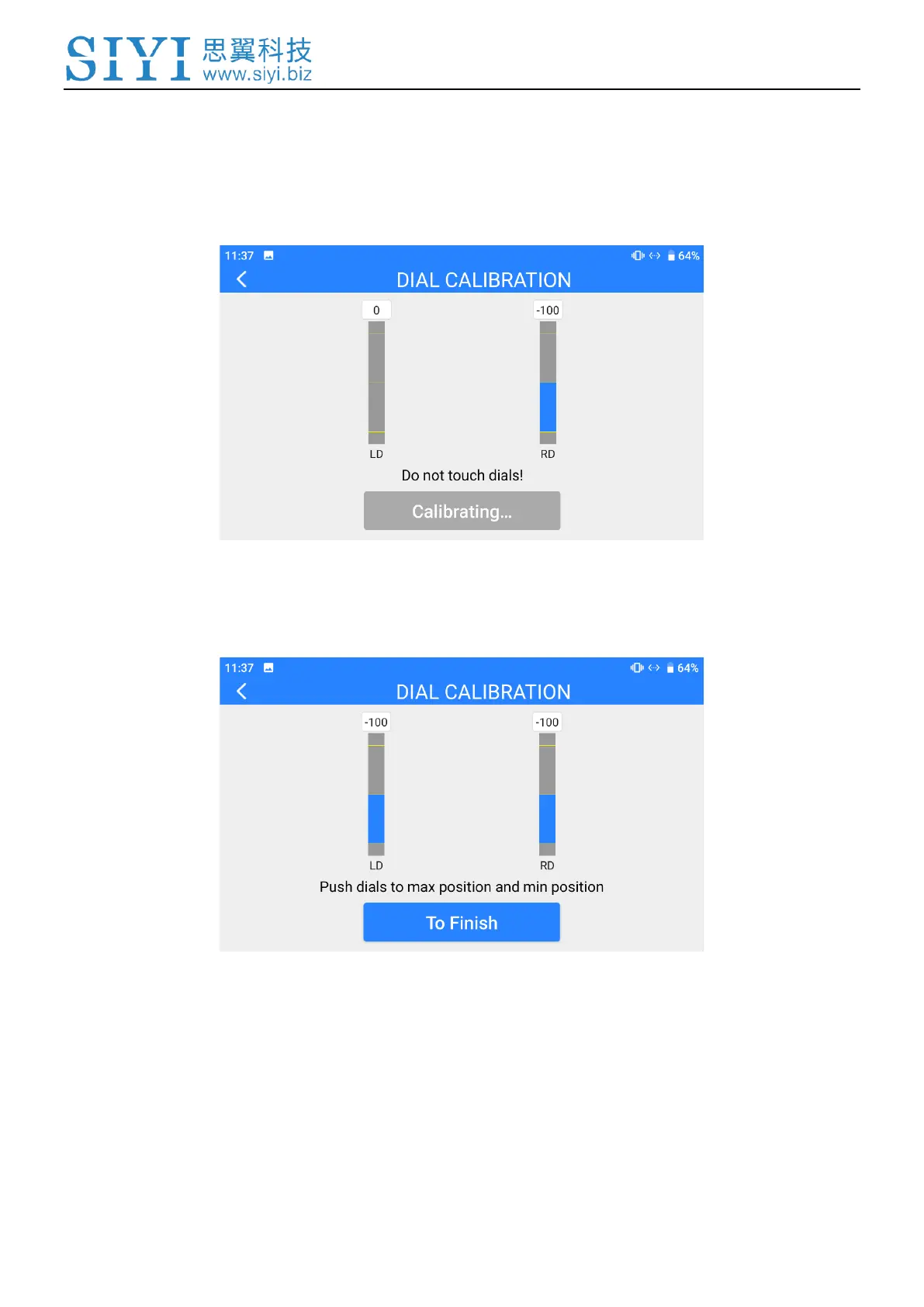
3. According to the tips, if dials’ coordinates are not “(0, 0)” when both dials are
standstill, it means that dial middle points are displaced. Please touch “next”
and do not touch the dials.
4. Calibration of dial middle points is finished. The next step is to calibrate dial
maximum and minimum positions.
Please follow the tips again and push each dial to its maximum and minimum
position.
Then touch “Finish”.
5. Dial Calibration page will return to its initial page. Dial calibration is finished.


 To Next Page