MK32 User Manual V1.1
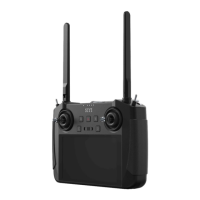
88
2023 SIYI Technology, All Rights Reserved
4.5.2 Mission Planner
1. Connect the remote controller’s upgrade port to the Windows computer, the
Windows system will generate a communication port for the remote controller.
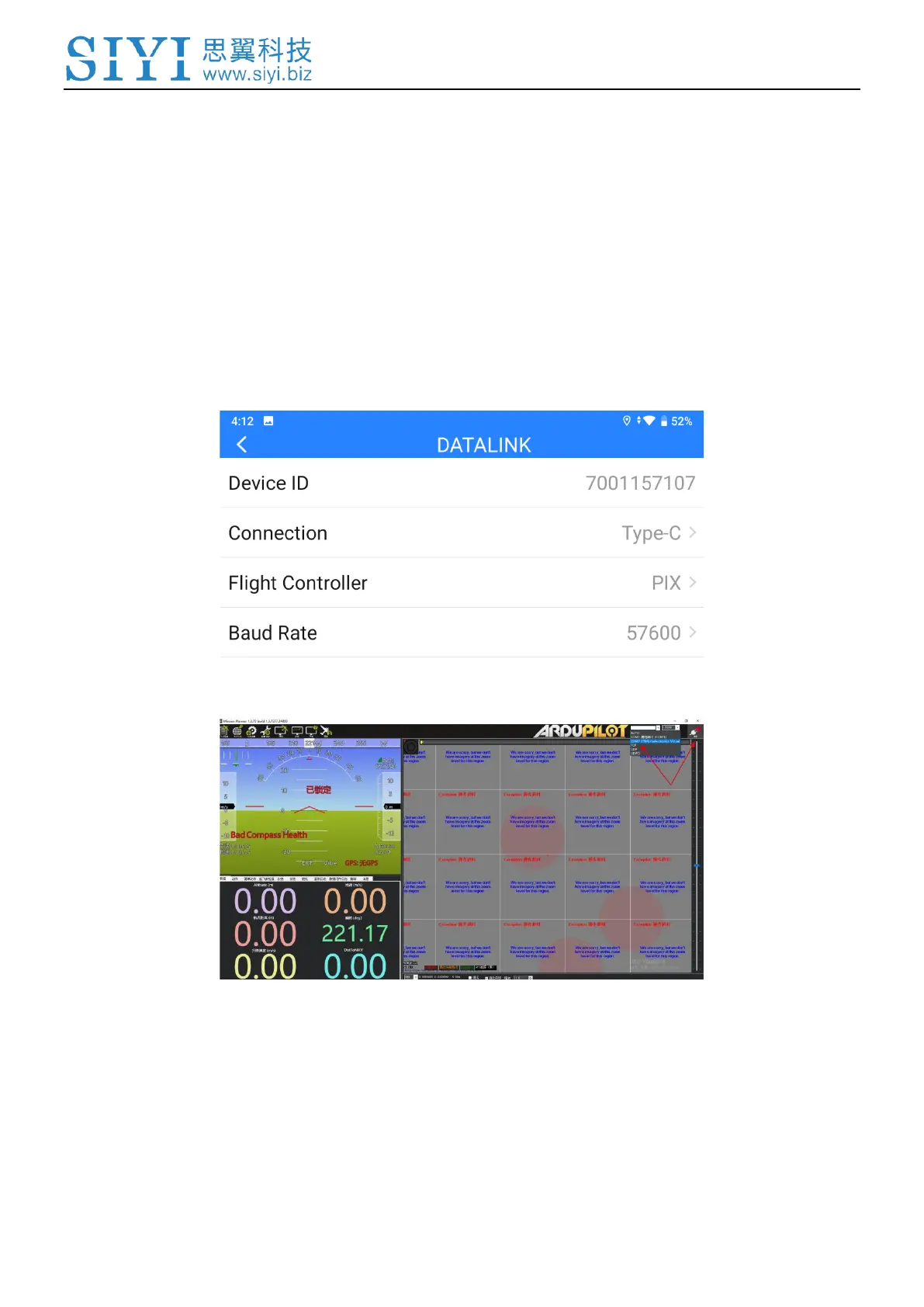
2. In “SIYI TX” app, go to “Datalink”, and choose “Upgrade Port (MK15) / Type-C
(MK32)” in “Connection”, “PIX / PX4 / Ardupilot” in “Flight Controller”, and
match the baud rate with the flight controller TELEM port’s.
3. Run Mission Planner, select the relevant port and match the baud rate.
4. Please wait until the datalink connection is established.


 To Next Page