5
Inserting the Sliding Tray and Adapter Pad
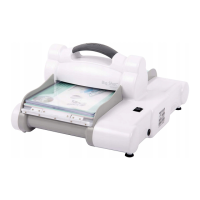
1. Remove Big Shot Pro machine from the shipping carton and place it on a
clean, flat, sturdy, non-skid surface. Take care when lifting machine out of the
carton, as it weighs 30 lbs (13.6 kg).
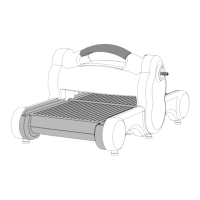
2. Remove Sliding Tray from bottom of the carton. Place Sliding Tray onto Side
Rails. For cutting with Sizzix dies, place Adapter Pad in Sliding Tray.
3. The Sliding Tray can now move back and forth through the machine.
Attaching the Crank Handle
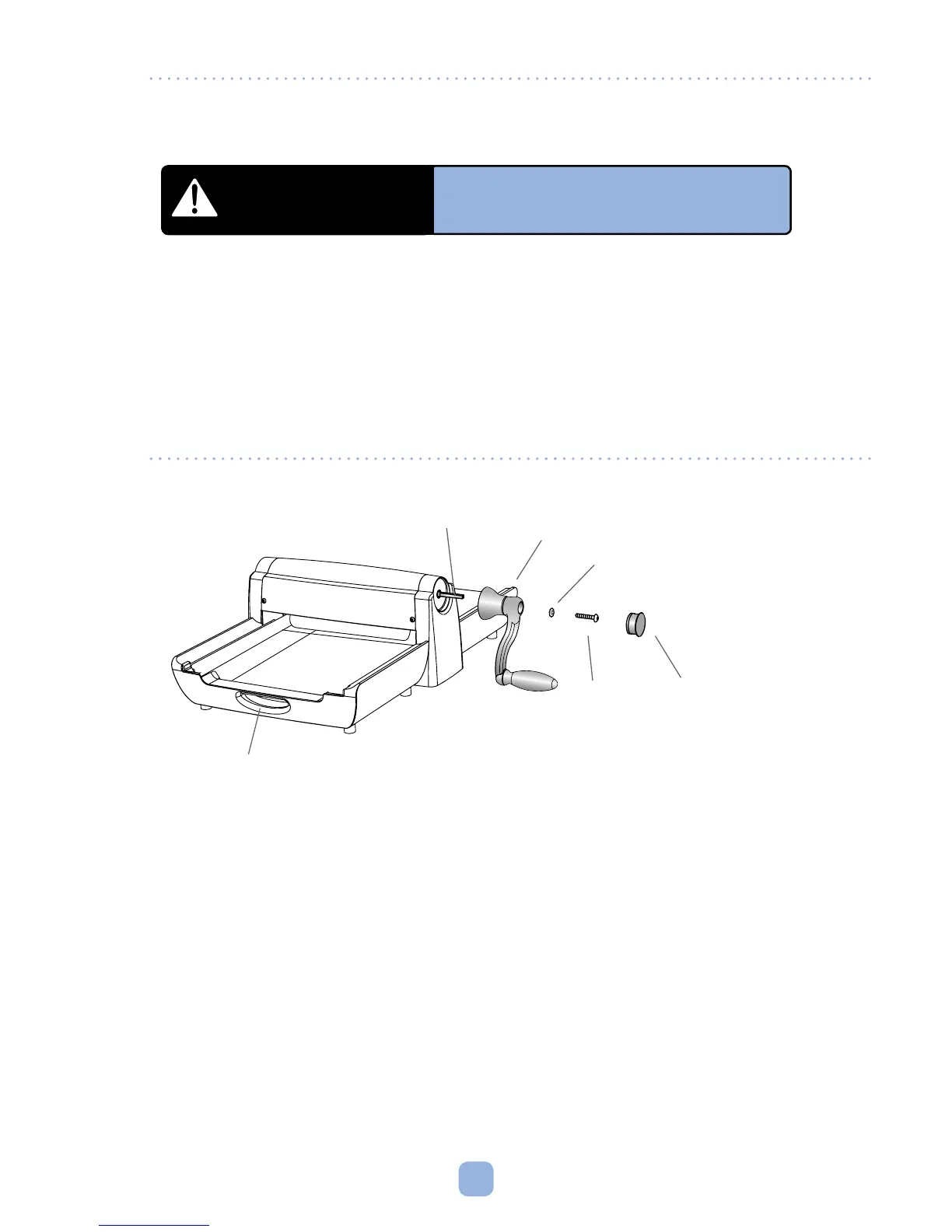
1. Slip the Lock Washer (Item 2) over the Screw (Item 3) and drop them into the
hole in the top of the Crank Handle (Item 1).
2. Push the Crank Handle assembly over the square roller shaft protruding
from the Big Shot Pro Machine. Insert Allen Wrench into Screw (Item 3) to
tighten. Turn clockwise (Figure A). Tighten Screw as far as possible to ensure
maximum pressure.
3. Press the Screw Cap Cover (Item 4) in place.
WARNING
The Big Shot Pro Machine is very heavy.
Use extreme care and caution when handling.
Seek assistance whenever possible.
Figure A
(1) Crank Handle
(3) Screw
(2) Lock Washer
Square Roller Shaft
(4) Screw Cap Cover
Molded Handholds



 To Next Page