8
Using Embossing Folders, Embosslits
™
or DecoEmboss
™
Dies
1. With Simple Impressions Embossing Folder, Textured Impressions Embossing
Folder or Embosslits or DecoEmboss Die open, insert paper, foil or other
embossable material, then close like a book. Place Standard Cutting Pads above
and below the closed Folder to create a “sandwich.”
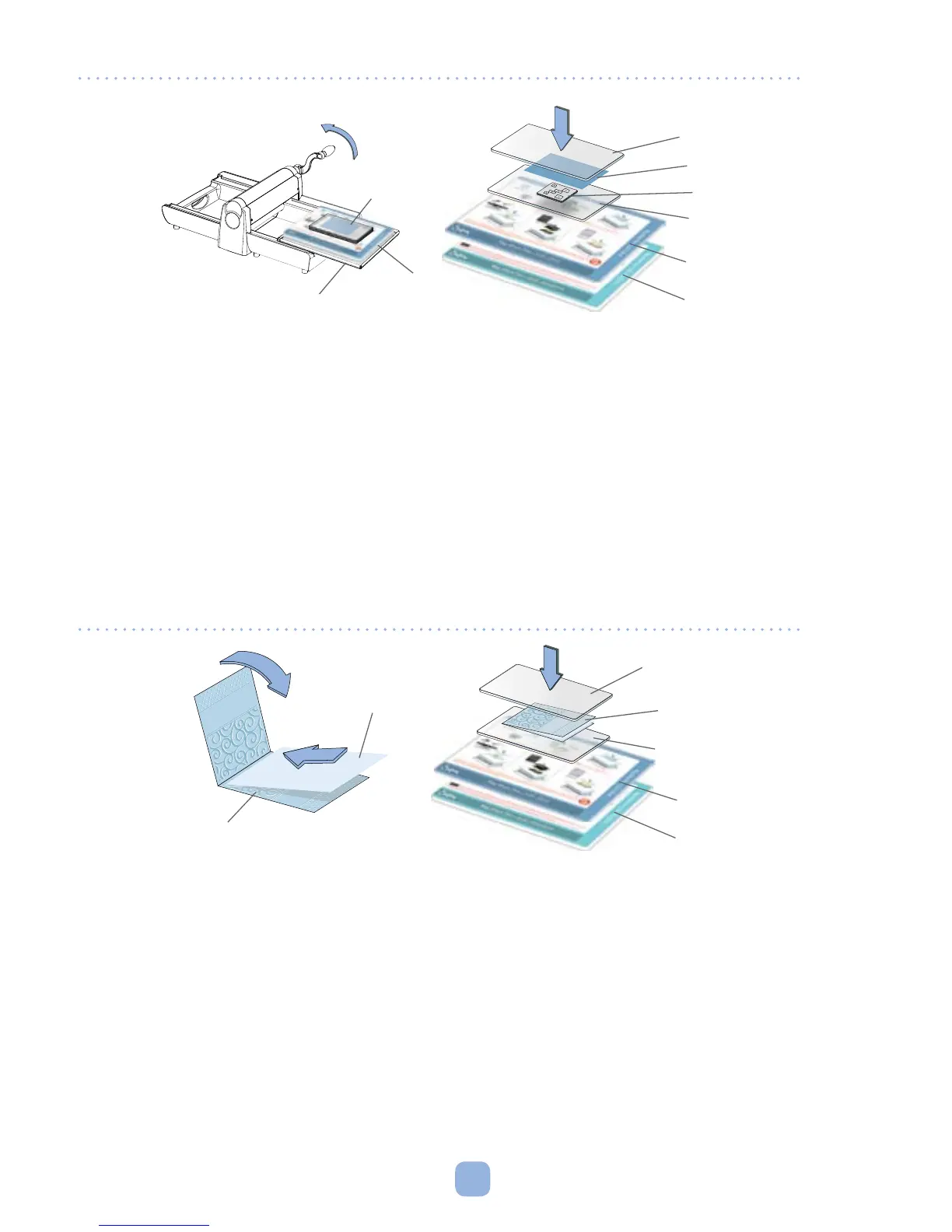
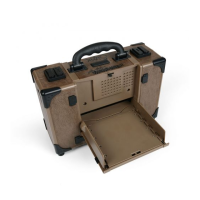
2. Place sandwich on Big Shot Pro Solo Platform and Solo Shim (sold separately)
(Figure F) and place on top of the Adapter Pad in the Sliding Tray.
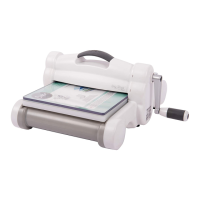
3. Follow Steps 3–5 in Operating Instructions, page 6.
Using Sizzix Sizzlits
®
, Clearlits
™
or DecoEtch
™
Dies
1. Place a Sizzlits Die onto a Standard Cutting Pad with foam side up. Place paper
over the die. Place another Standard Cutting Pad over the paper or material to
create a “sandwich.” For a Clearlits Die, place die over photo or other material so
that the area to be cut shows through the die. Then place photo or material
and die between Standard Cutting Pads to make sandwich.
2. Place sandwich on Big Shot Pro Solo Platform and Solo Shim (sold separately)
and place on top of the Adapter Pad in the Sliding Tray (Figure E).
3. Follow Steps 3–5 in Operating Instructions, page 6.
Figure E
Figure F
Textured Impressions
Embossing Folder
Standard Cutting Pad
Standard Cutting Pad
Paper
Die
Cutting Pad
"Sandwich"
Sliding Tray
Adapter Pad
Solo Platform
Solo Shim
Cutting Pad
Paper
Textured Impressions
Embossing Folder
Solo Platform
Solo Shim



 To Next Page