12
Video Recording
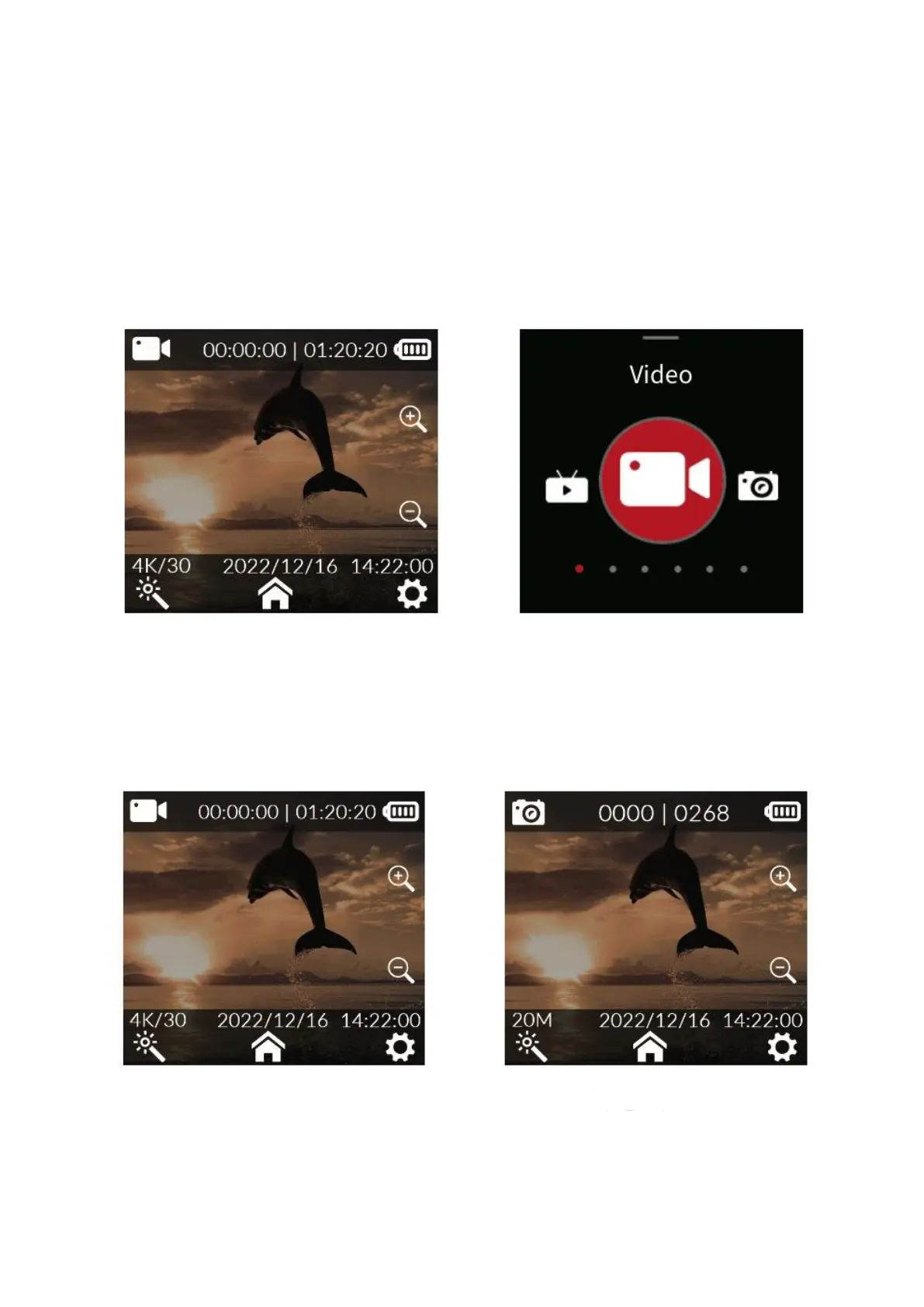
When the system is powered on, it will enter the video mode by default. To record a
video, short press the OK button. To enter the menu selection, slide the screen up. To
select the video/photo mode, slide left and right. To enter the video/photo mode, click
the icon. To record/take pictures, short press the OK button. It is important to note that
after setting the mode, the camera will remember the mode before power off if it is
turned off and turned on again.
Capturing Photos
Turn on the camera in video mode by default (Figure. 1). To quickly switch to photo
mode (Figure. 2), slide the screen left or right



 To Next Page