QuickCollect CMDT 391 / CMDT 391-Ex 4 - 5
User Manual – Revision B
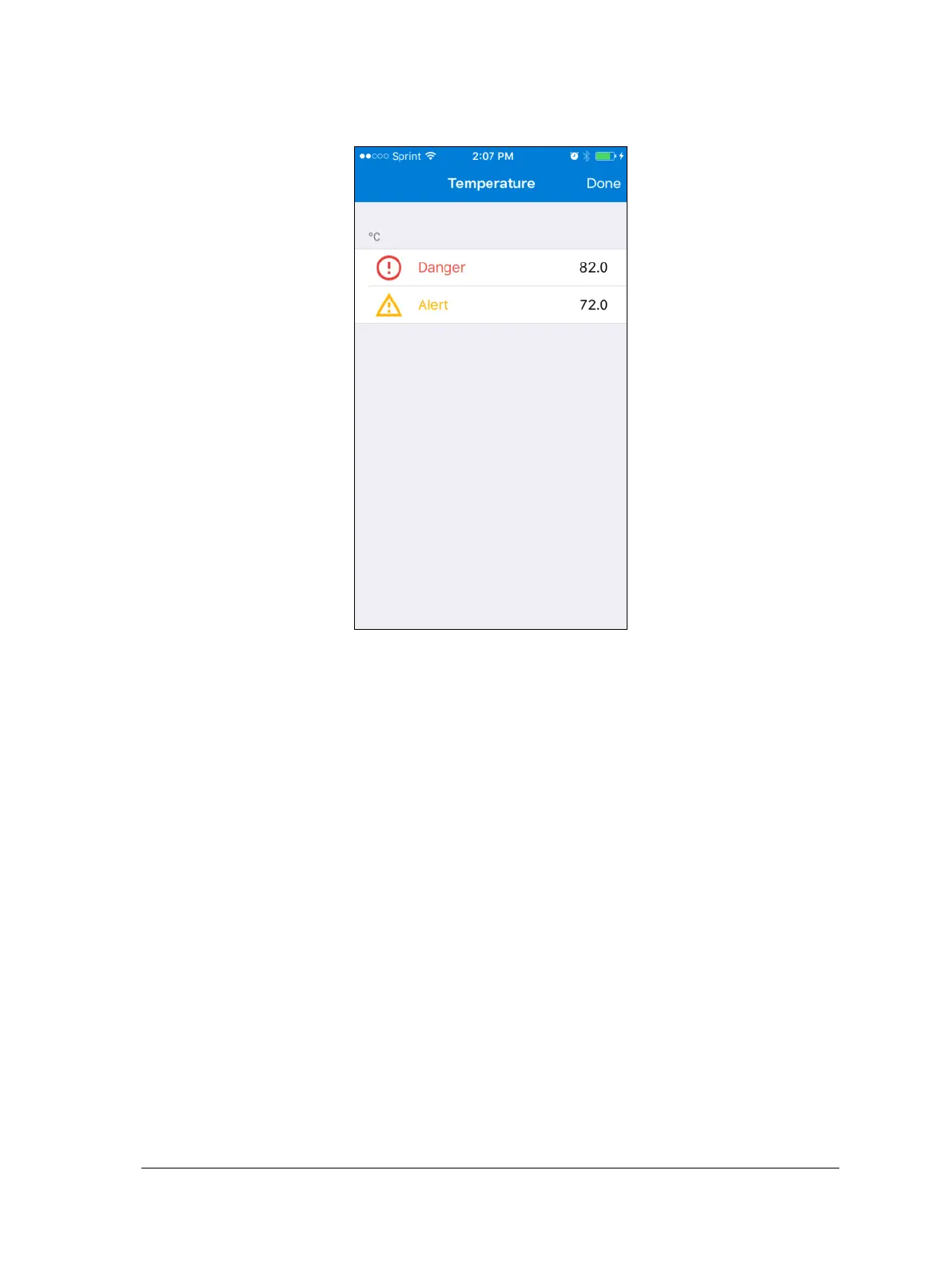
• Tap the THRESHOLDS: Temperature field to navigate to the Temperature table.
Figure 4 – 5.
Temperature table.
• Enter values for the Temperature measurement thresholds:
Tap within the Danger and/or the Alert field to bring up a keyboard and enter a
threshold value in the units currently designated (degrees Celsius or degrees
Fahrenheit, indicated above these fields).
• Tap Done to set all configurations and return to the Settings table.


 To Next Page