16 EN
4.3.2 Trigger connection
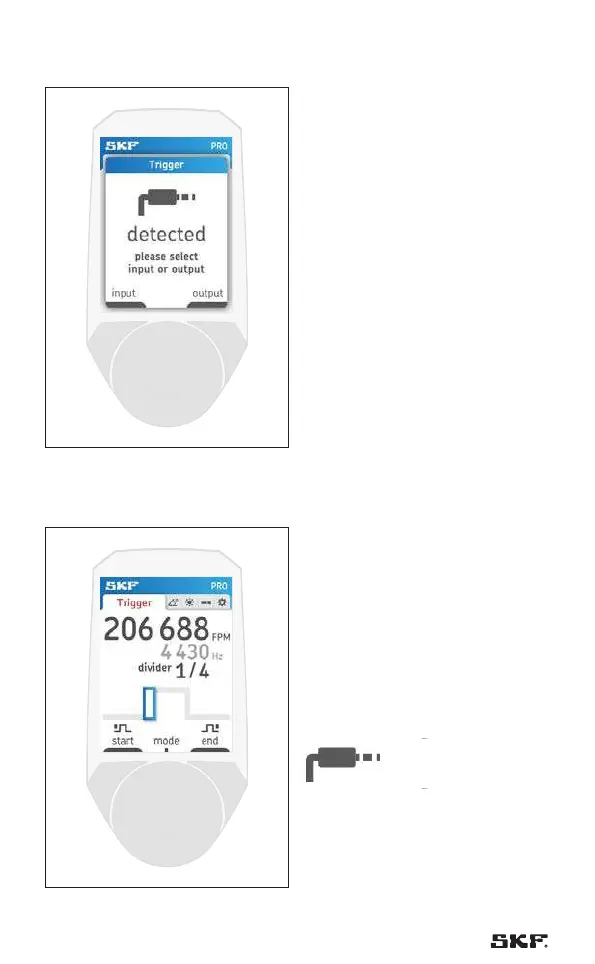
Fig. 9 – Trigger popup
After the connector is plugged,
the stroboscope needs to know if the
connector is used of input or output.
Please select “input” by pressing
button 1 to trigger the stroboscope
with an external trigger.
4.3.3 Trigger input
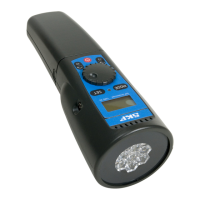
Fig. 10 – Trigger
The stroboscope is now using the
external signal from the trigger input
to flash.
After connecting the trigger, press
button 1 “input” in the trigger pop-
up to activate the trigger input. The
trigger input symbol appears in the
top bar to indicate that a trigger
input is in use.



 To Next Page