22 EN
4.6 Torch mode
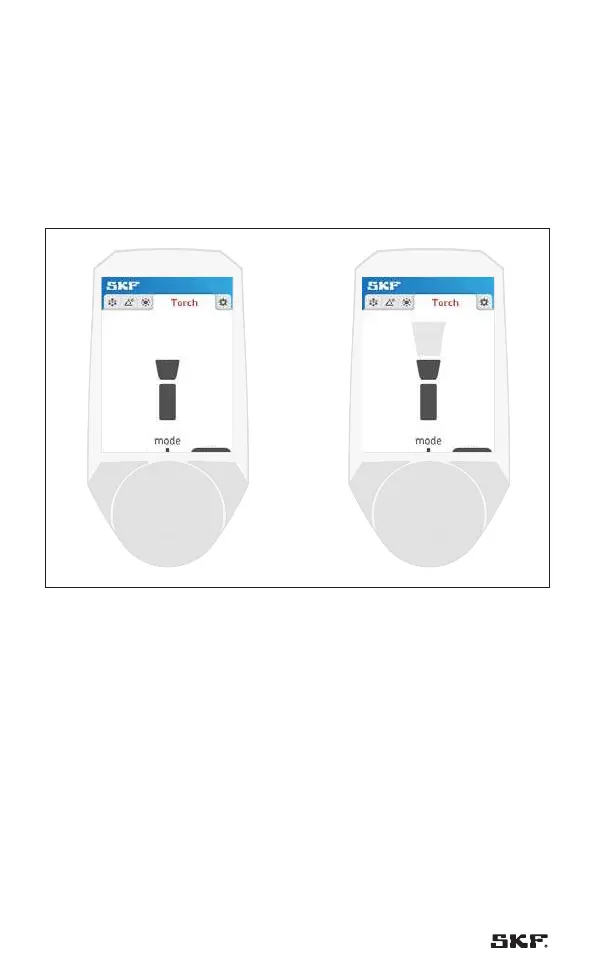
The torch mode allows the stroboscope to be used as a flash light.
Default: The torch is turned off.
Press button 2 to to toggle between “on” and “off”:
The torch is turned on or off.
IMPORTANT:
While the torch menu is shown on the screen the stroboscope stops flashing.
Default is off
on
off
Fig. 18 – Torch off Fig. 19 – To use the Stroboscope
as a torch



 To Next Page