18 EN
4.4 Phase mode
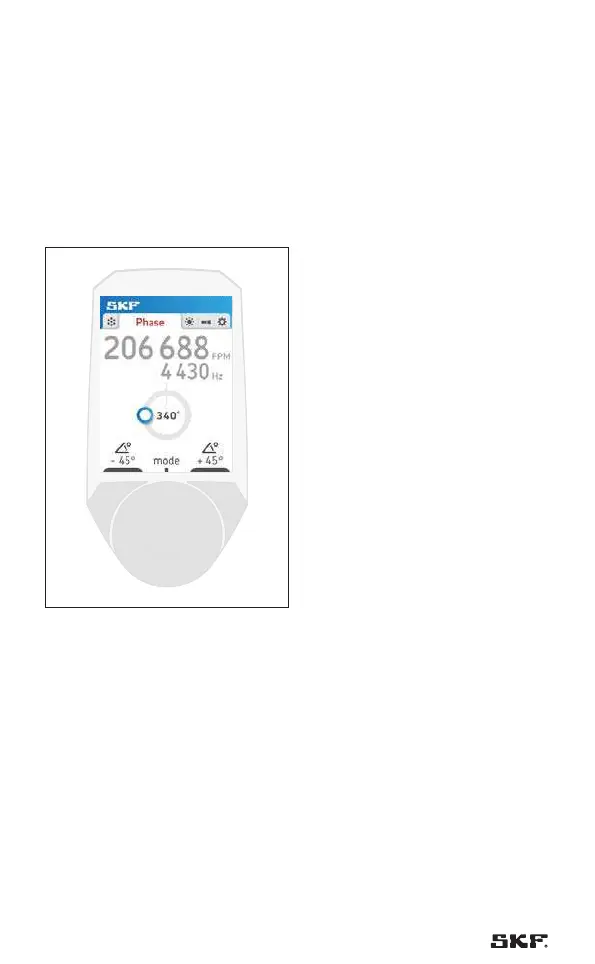
The phase mode allows to rotate the frozen image while keeping the same
flash rate.
Changing the phase is very helpful for inspections as all parts of the machine
can be inspected without changing the flash rate.
Rotating the wheel (button 3) changes the phase.
4.4.1 Standard operating mode
Fig. 13 – Phase by TKRS 21
Adjust phase by scrolling the wheel
4.4.2 Quick phase shift
The buttons 1 and 2 can be used to quickly change the phase by + / - 45°.



 To Next Page