LARGE PANORAMIC 7.8" WIDE LCD DISPLAY
Settings
Menu
BRP Connect
BRP connect_test
Before using BRP Conne ct, the app must be downloaded to the
phone. The app can be downloaded from the Apple App Store or
Google Play Store via a simple search. Not all phones are com pati-
ble.
Visit our website for more details
www.brp co nnecttutorial.com
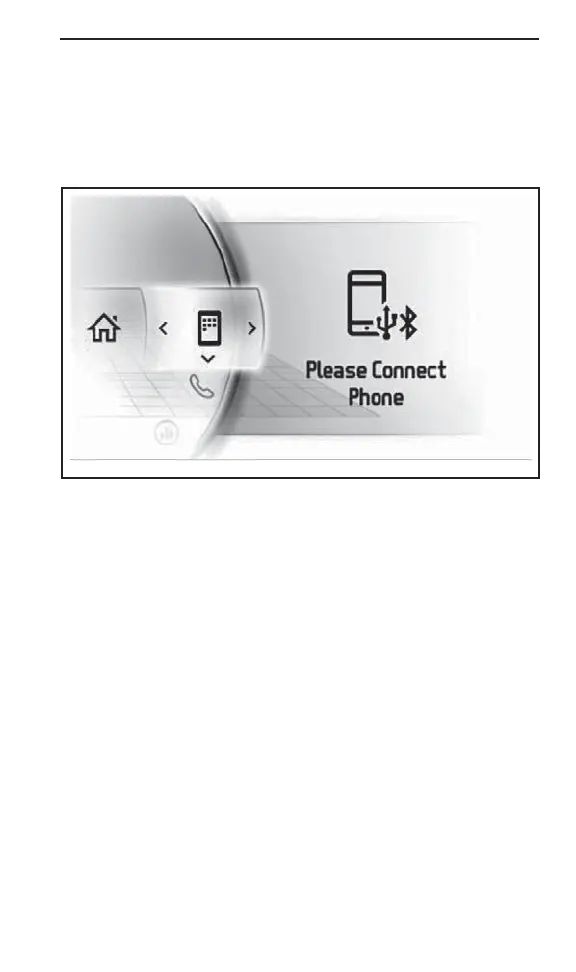
NOTE: The smartphone must be connected via Bluetooth and with
a USB cable to the USB port loca ted in the g love box.
User's personnal d ata will be deleted from the cluster when phone
pairing is deleted.
User agree that personnal data (contact list and call history) be trans-
ferred to the cluster when smartphone is connected.
Contact list and call history are stored in cluster perman ently. To
delete these information you must un-pair your smartphone or over-
write using another smartphone .
NOTE: The apps can also reach directly by pressin g the APPS button
located at the bottom of the rotary control.
_________________
147



 To Next Page