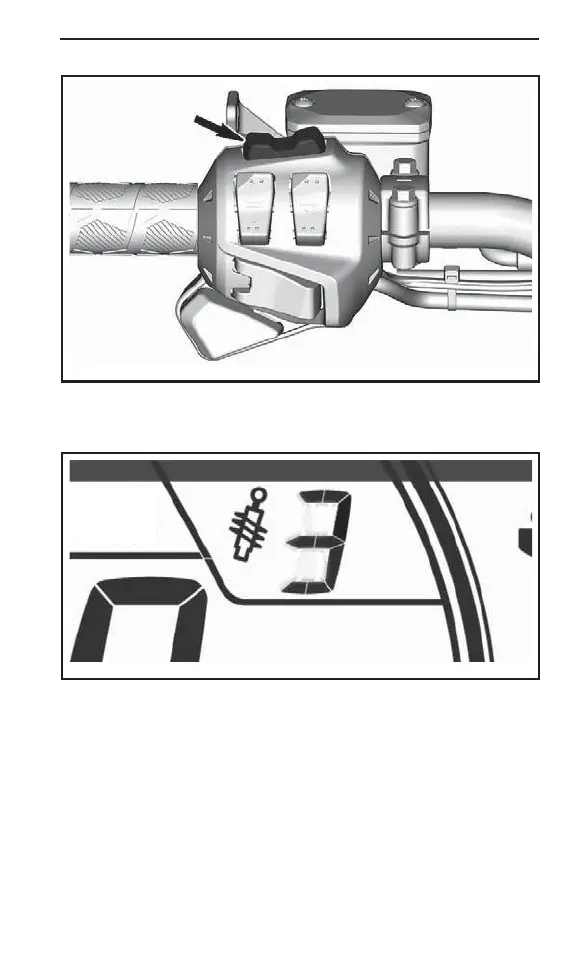
TUNE YOUR RIDE
219101014-018-029
4. The desired set point appears on the display. To confirm, press
the MENU (M) butt on or wa it 5 se conds.
619900974-805
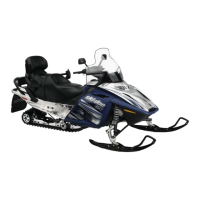
ACS SETTING 3
Model with the La rge Panoramic 7.8" Wide LCD Display
To adjust, proceed as follows:
1. Start engine.
2. Press the Vehicle Data button, to the bottom left of the rotary con-
trol.
When the air suspension mode is selected, AIR_SUSP is displayed.
The display also shows the actual suspension setting (a number from
1 to 5, 1 being the softest settin g).
_________________
197



 To Next Page