SKILLER PRO
+
13
8.8.2.1 Record Additional Keystrokes
Additional keystrokes can be recorded through the “Start recording
before” or “Start recording after” functions. Select the keystroke you
wish to record before or after. Click either “Start recording before”
or “Start recording after” and make your inputs. To stop recording,
click “Stop Recording” under “Options“.
Attention:
When editing keystroke sequences, ensure to start recording always
with the functions “Start recording before” or “Start recording after”.
To stop recording, use the function under “Options”.
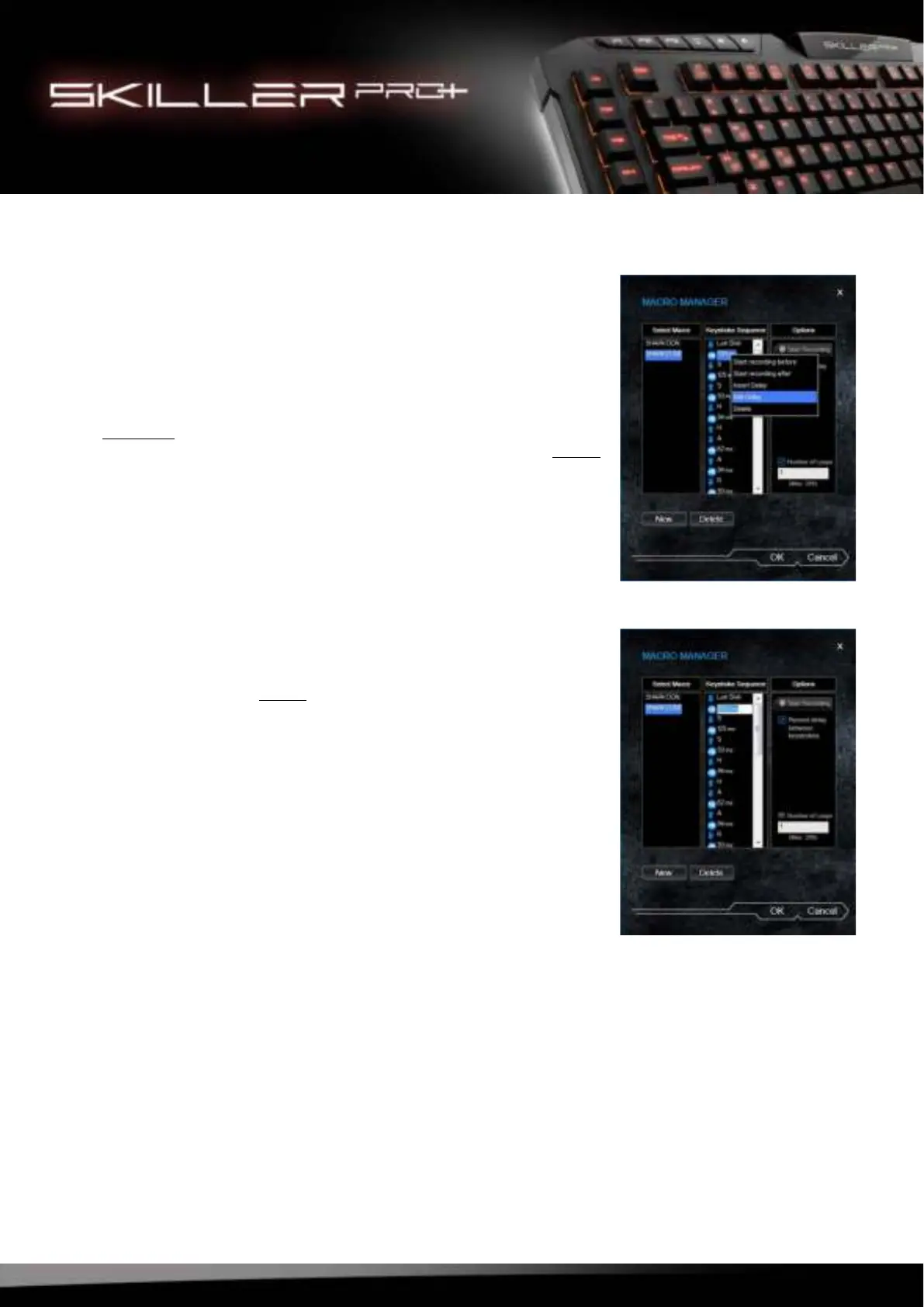
8.8.2.2 Insert/Edit Delay Time
Select a command within the keystroke sequence where you
wish to add a delay before. Click the right mouse button to
open the selection menu. Select “Insert Delay“.
The delay will now be inserted with the standard value of 1 ms.
This value can be adjusted through the function “Edit Delay”.
T
o make a change, select the delay time you wish to change
by
cli
cking the left mouse button. The delay is now highlighted in
blue
. Click the right mouse button to open the selection menu
and select “Edit Delay”. You can now insert the time in millise-
conds. Confirm changes by pressing the Enter key.



 To Next Page