SKILLER PRO
+
15
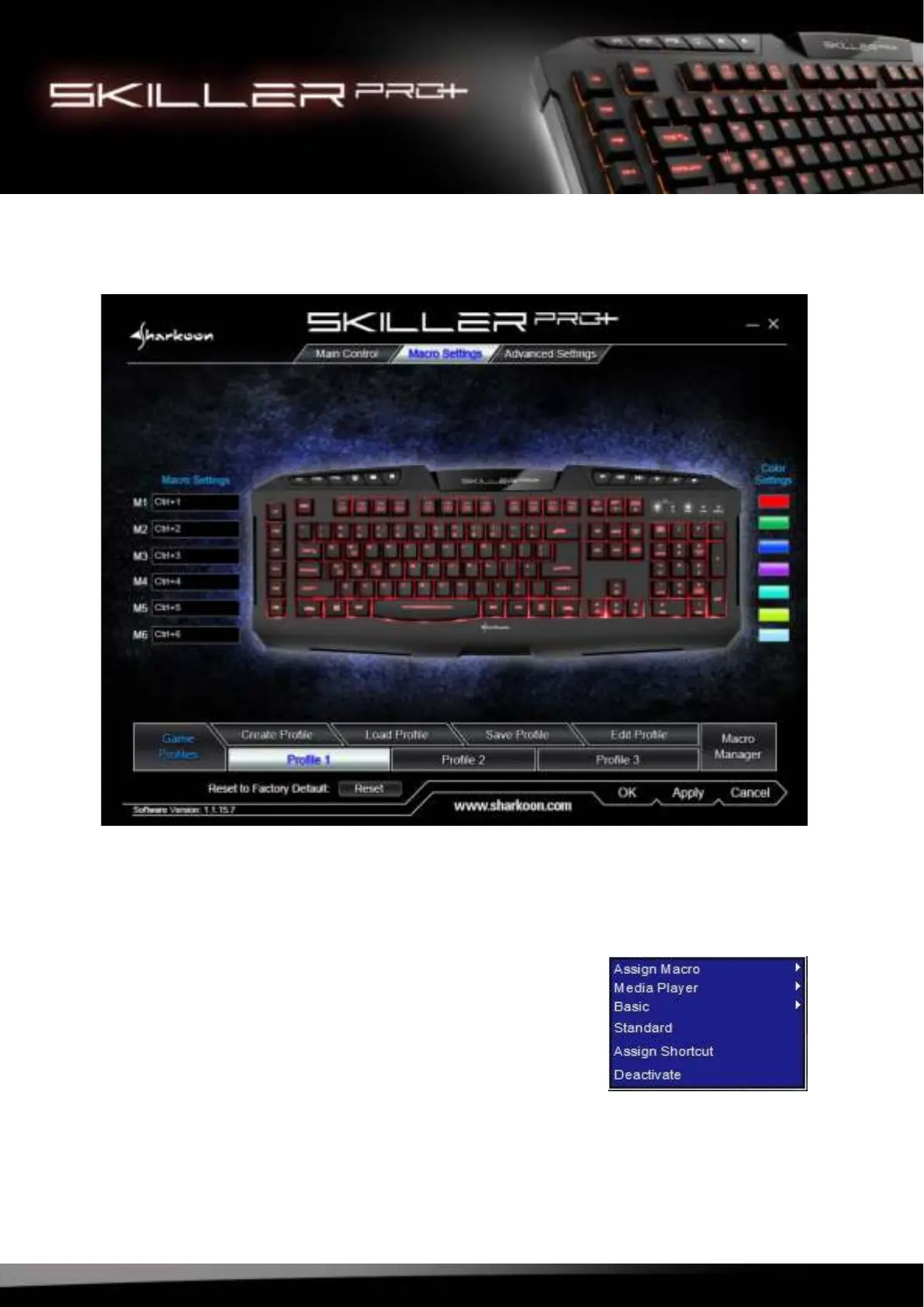
9. Macro Settings
Within each profile, 6 keys can be assigned with either macros or additional functions.
9.1 Key Selection
To assign a new function, move the pointer into the box next to
the key and click the left mouse button. A selection menu with
the available functions will open (e.g. Assign Macro, Media Player,
Basic, etc.).



 To Next Page