SKILLER PRO
+
7
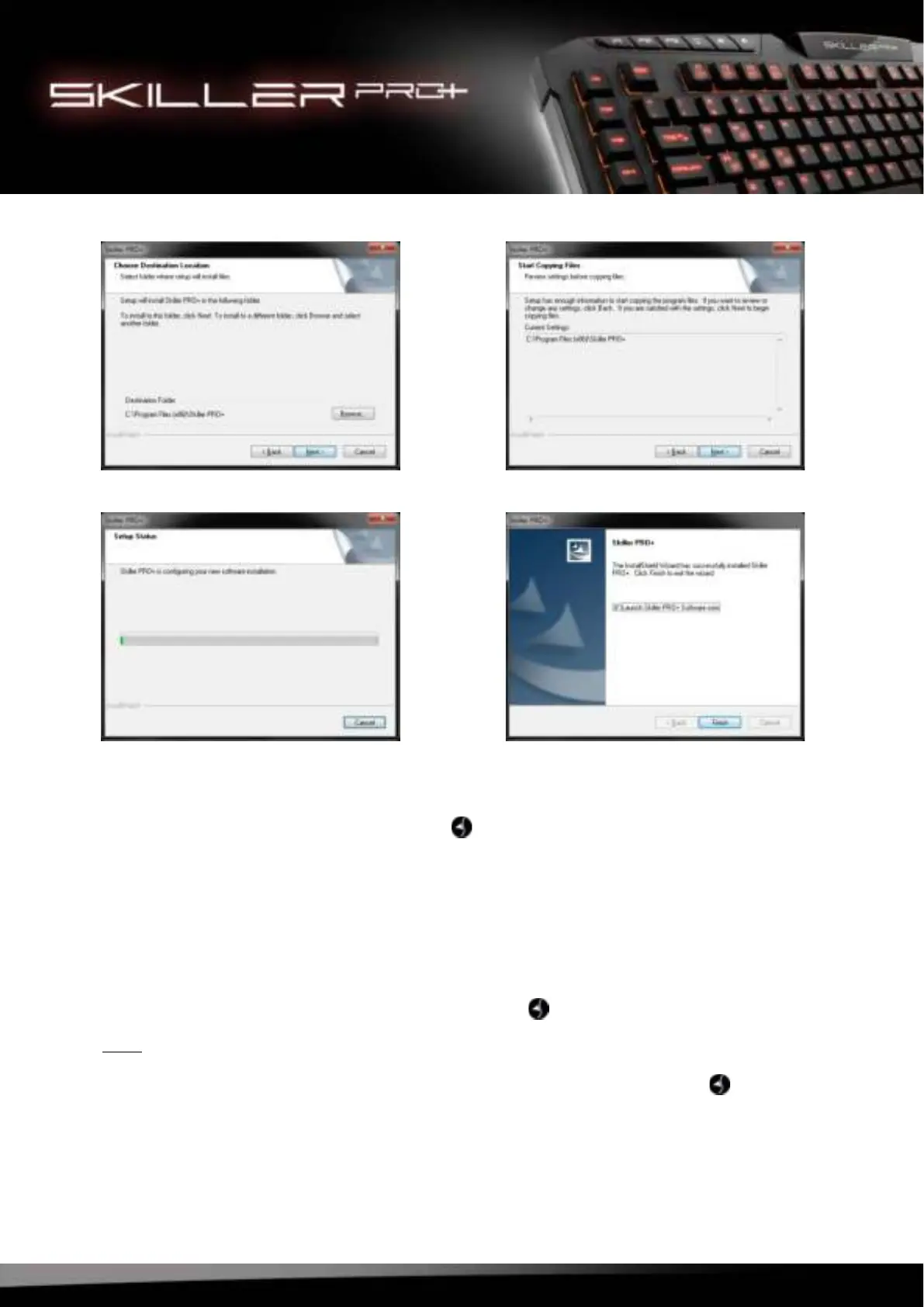
5. Click “Finish” to complete the installation.
Once installation is complete, the Skiller PRO+ icon will be shown in your taskbar. The gaming soft-
ware has now been successfully installed on your PC.
8. Configuration of the Gaming Software
8.1 Launch Software
To launch the software, double-click the Skiller PRO+ icon in your Windows taskbar.
Note:
The gaming software runs continuously in the background while your PC is running. This is necessary to
ensure all functions of the Skiller PRO+ are always available. The Skiller PRO+ icon will stay displayed
in the taskbar while the gaming software is running.



 To Next Page