SKILLER PRO
+
17
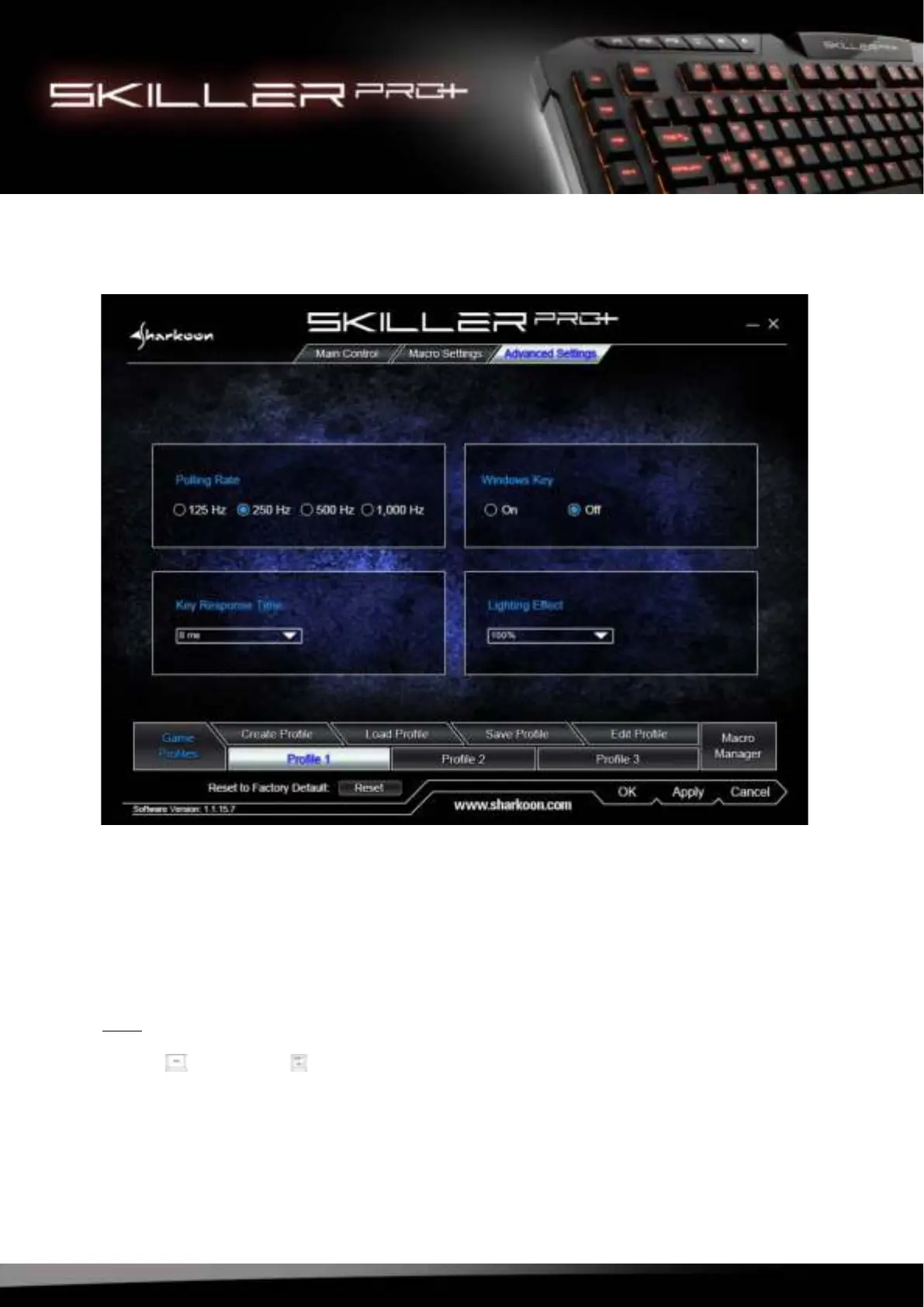
10. Advanced Settings
In the Advanced Settings menu, adjustments for each profile can be made:
• Polling Rate: 125 Hz, 250 Hz, 500 Hz or 1,000 Hz
• Windows Key: On/Off
• Lighting Effect: 10% - 100%, Pulsating Single Color, Pulsating Changing Colors, Off
• Key Response Time: 1 ms -16 ms
Confirm your selection by clicking “Apply“.
Note:
The Lighting Effect can also be changed directly via the keyboard by pressing the key combination Func-
tion Key + Scroll Lock .



 To Next Page