SKILLER PRO
+
9
D
(A)
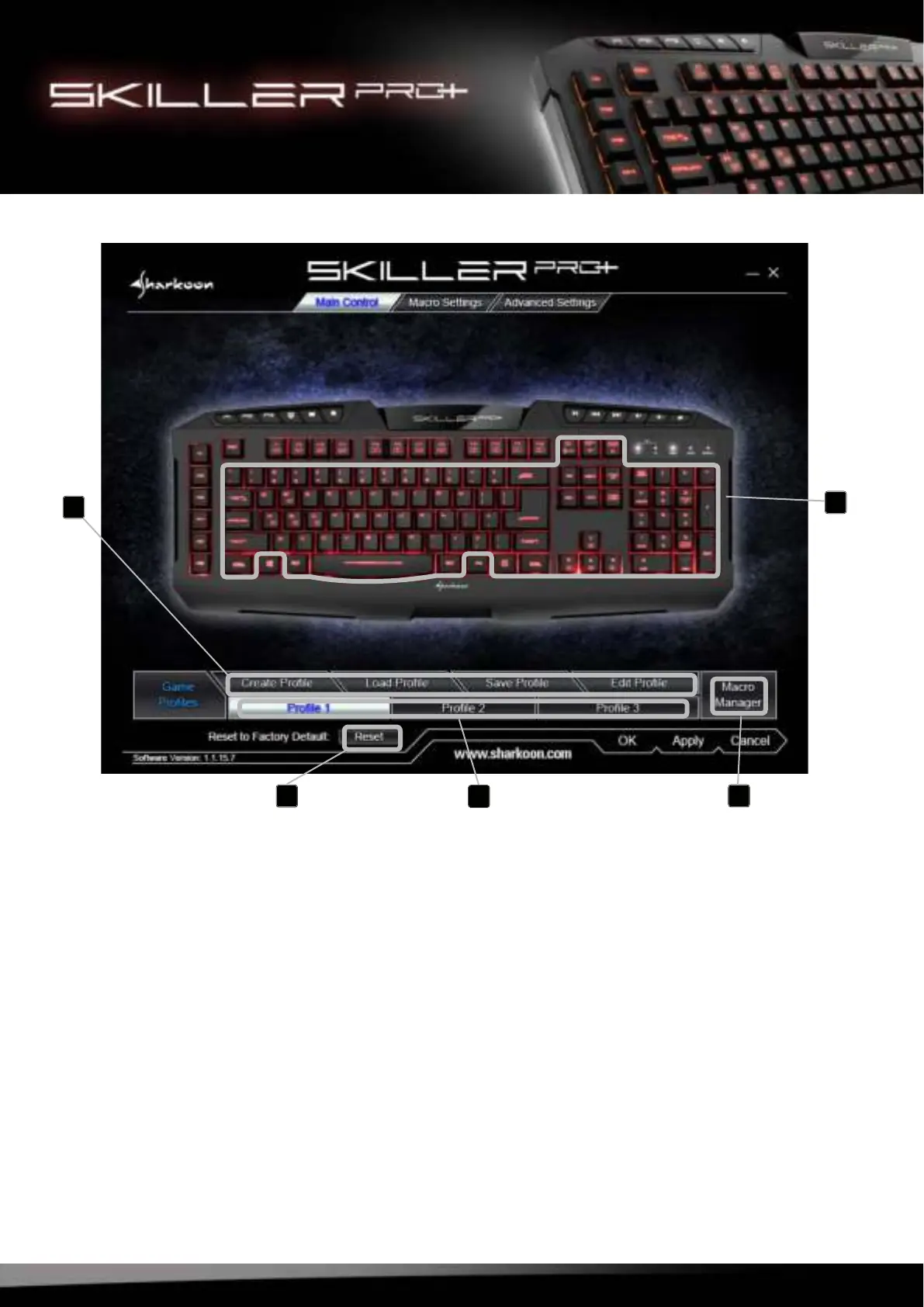
Click to select the desired profile. An active profile is highlighted in white.
All changes must be
confirmed by clicking the “Apply” button.
(B) Create, edit, save or load a profile.
(C) Launch the Macro Manager.
(D) Every single key can be individually assigned.
(E) Reset all settings to factory default.
A
B
E
C



 To Next Page