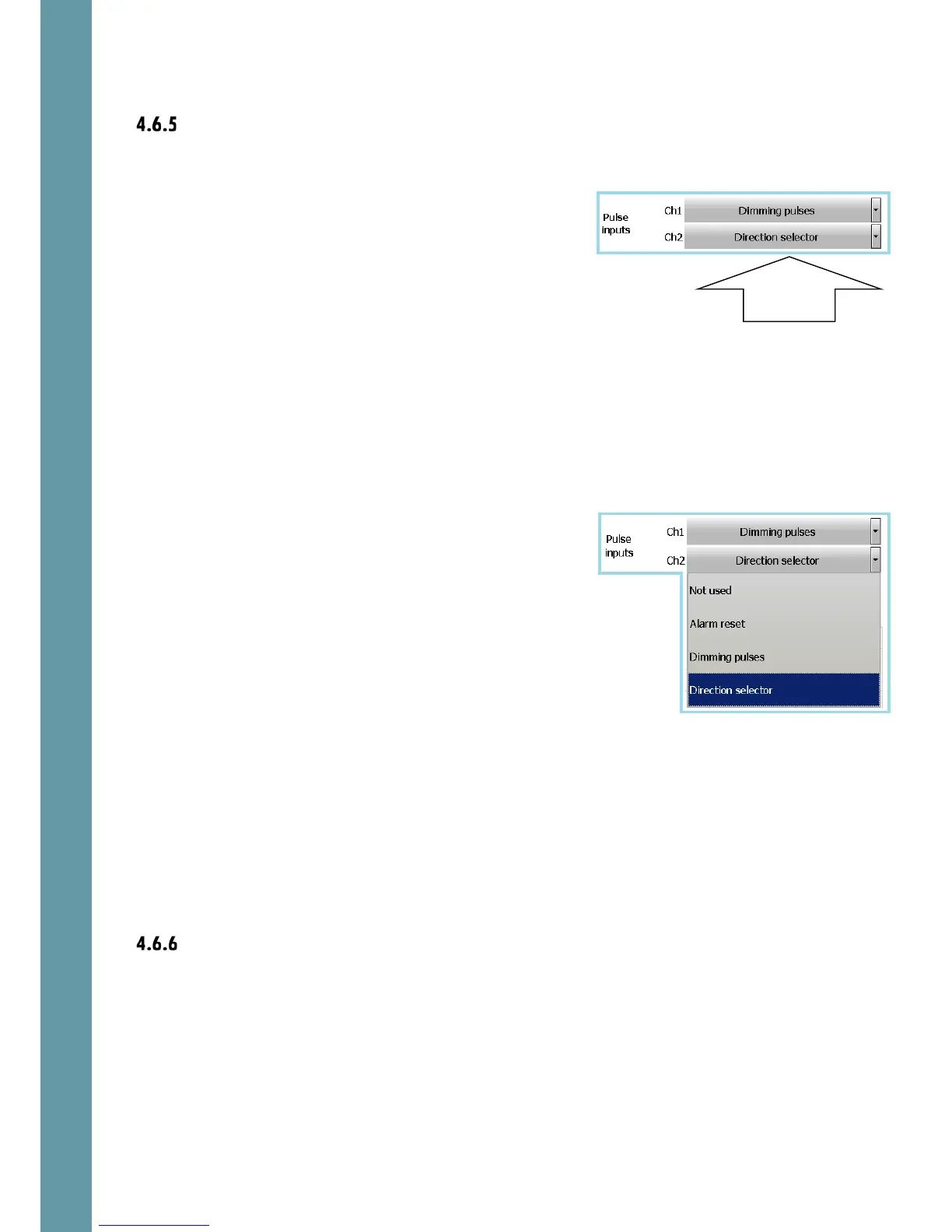
at ch1 or ch2 and select the new desired function.
Note that if both channels are set to Dimming
pulses, ch1 will act as brightness increase and ch2
will act as brightness reduce. If only one channel is
assigned to dimming function, the brightness will
be changing in cycles:
middle->max->middle->min-middle->max..etc.
If any of the Pulse input channels is set as Direction
selector, the high level on the input selects inverse
direction (if double ferry mode has been
activated).
If Alarm reset is selected as the Pulse input
function, the pulse on the input results in alarm
acknowledge.
Ref 8.2.6 for hardware connections of the
direction control voltage-free switch
The following outputs are available.
Relays
Relays are controlled from the Alerts screen, ref 5.4.4.



 To Next Page