SKS-Kinkel Elektronik GmbH
Support-Hotline: +49 (0) 2661 98088 112
E-Mail: support@sks-kinkel.de
Document art. no. 97011300
Two keys may be assigned intercom functions. In this way, it is possible for two stations in one
system to communicate with each other. Pick up the receiver and press the selected key until
the acoustic signal confirms that the internal call has been executed.
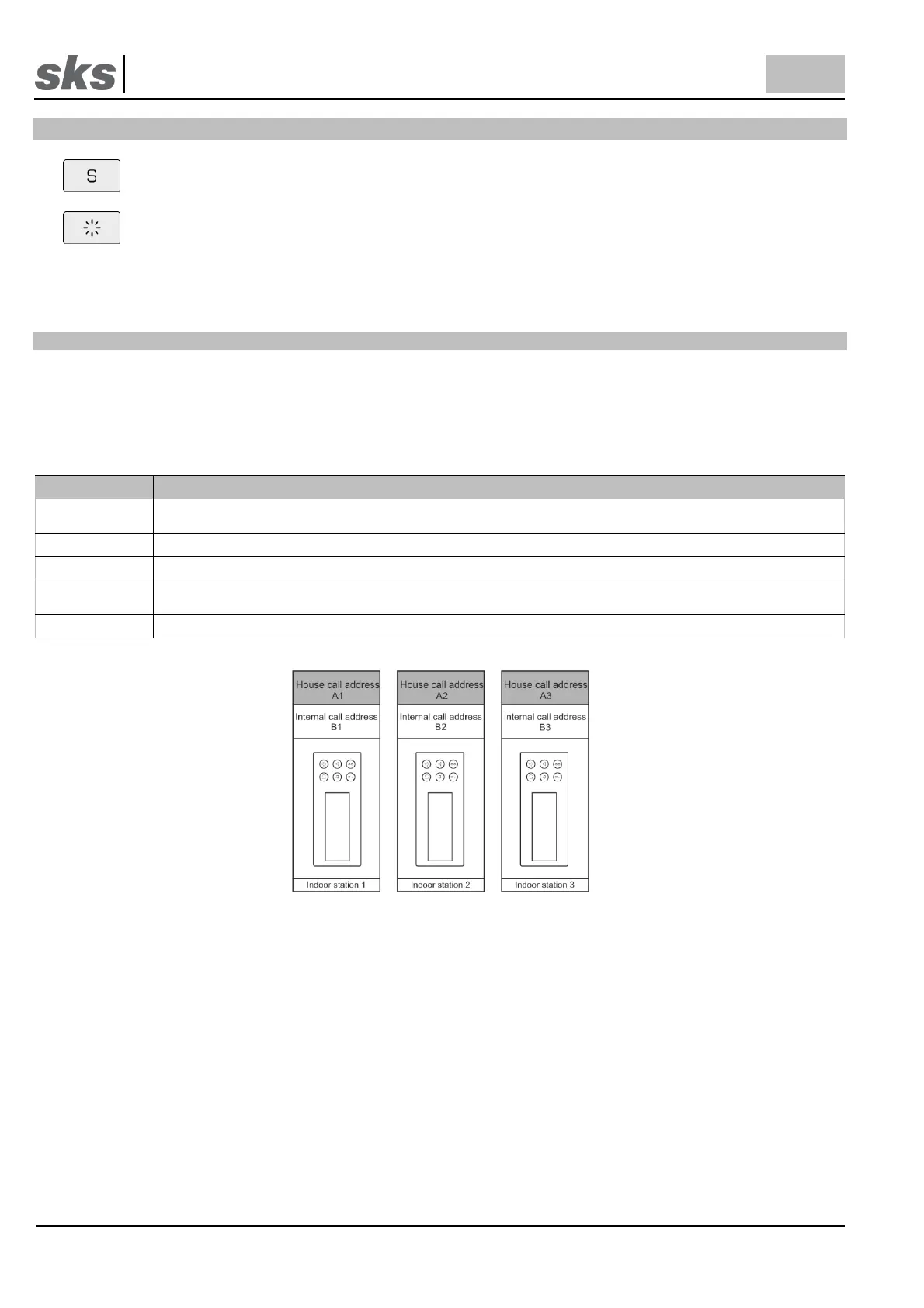
How to program the internal or group call is explained with 3 indoor stations in the next example. If the indoor or
group call is required for fewer indoor stations, it may be scaled accordingly.
Programming of addresses
First, each call station is given a call address. With this call address, it is possible to call the indoor station from the
door station. The call address which must be stored first is grayed out in the drawing.
If the house call addresses have already been given, skip this steps and proceed with the programming of internal
call address (Step 6).
If you are not sure whether false or general call addresses were stored in the indoor station, it is
recommended to delete all stored call addresses in the indoor station.
Set the call address on the DIP-Switch. The 1st call address is the house call address.
Press the programming button for around 5 seconds until the first control tone sounds.
After this control tone sounds, there will be a short tone. It signals that the call address has been
programmed. The number of short tones signals to which memory location the call address was saved.
Repeat the process until all indoor stations have been assigned their own house call address.



 To Next Page