15
Skydio Beacon/Beacon+ - Operator Manual © 2021 Skydio, Inc. All rights reserved.
Flying with Beacon/Beacon+
Instant Dronie
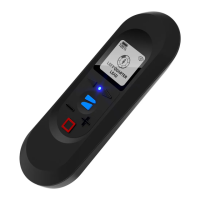
While using either the Motion Track or Fixed Track skills, you may double-tap the Skydio button to instantly start a
Dronie One-Shot. While the Dronie is in progress, tapping the Stop button will cancel the Dronie and Skydio 2/2+
will return to you. Pressing Stop while the drone is returning will cause Skydio 2/2+ to stop and Hover at its current
location.
Adjust Dronie settings within the Skills Menu in the Skydio app.


 To Next Page