3
Skydio Enterprise Controller - Operator Manual © 2021 Skydio, Inc. All rights reserved.
Safety Guidelines
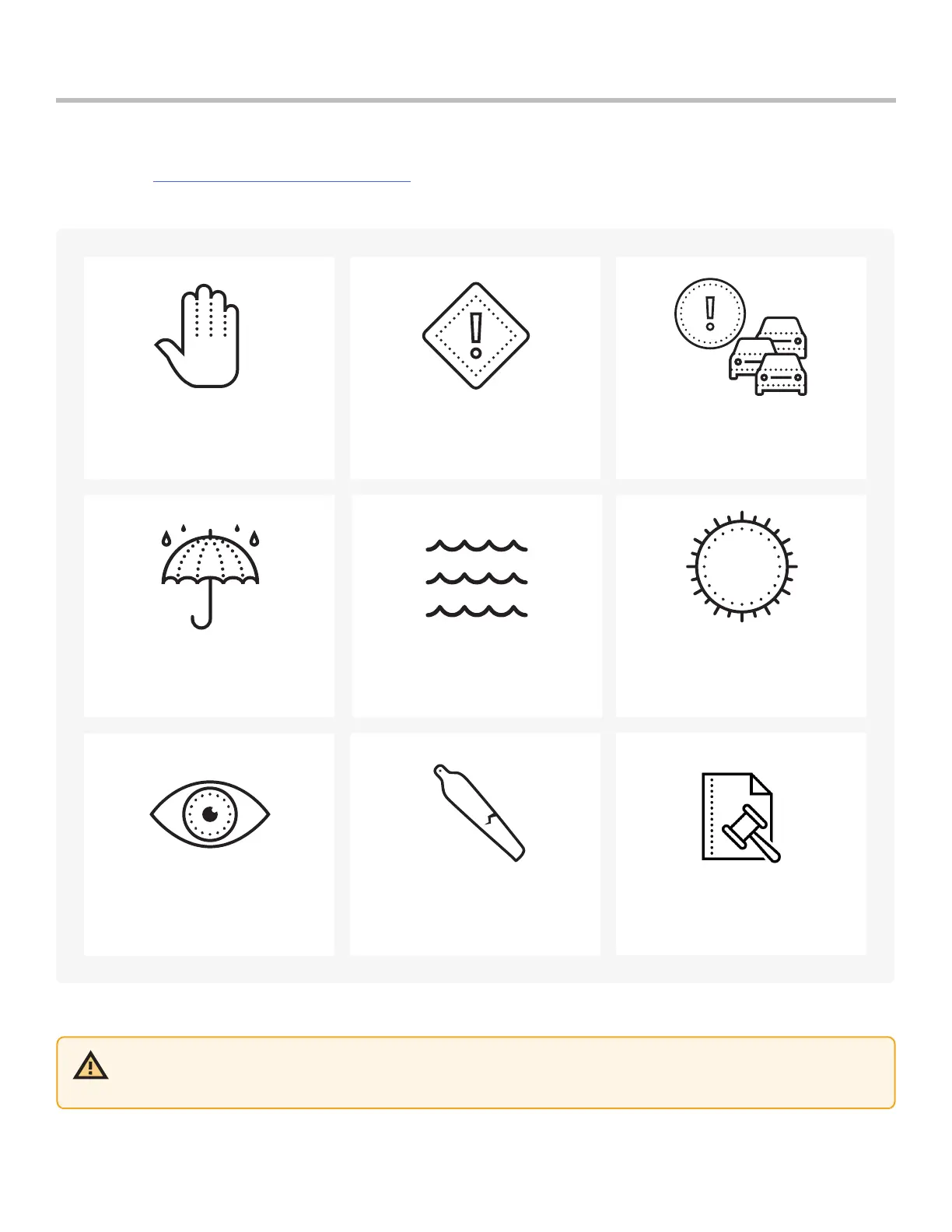
Flying Safely
Check your propellers for damage
before flying.
Follow all civil aviation authority
regulations, as well as any applicable
local and federal laws.
Clean all of the cameras so
Skydio can see clearly.
Skydio 2/2+: Don’t fly in low-light
conditions or in poor visibility.
Skydio X2: Fly with extreme caution
in GPS Night Flight mode as Obstacle
Avoidance is o.
Keep your fingers away from
moving propellers at all times.
Skydio does not avoid moving
objects or cars.
Skydio is not weatherproof –
don’t fly in rain, snow, fog, high
winds, etc.
Use caution around reflective surfaces
(still water, mirrors, etc.) and small
obstacles (thin branches, utility lines,
ropes, chain link fencing, etc.)
Before flying over water, ensure your
drone has GPS lock. Launch and
land your drone over a dry surface.
Read the full Skydio Safety and Operating Guide before your first flight.
CAUTION: Skydio Enterprise Controller is not weatherproof. Do not operate in any precipitation, including rain, fog,
snow, or similar environments. Do not rest the Controller in sand, dirt or on similar terrain where particles can get
trapped in the fan. Do not use batteries if the magnets or connector pins are damaged.


 To Next Page