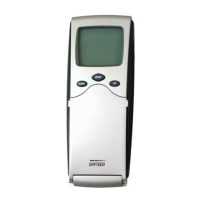
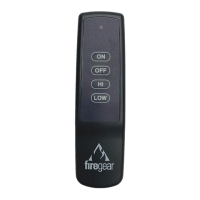
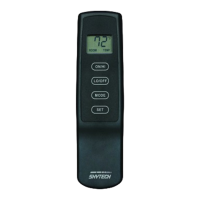
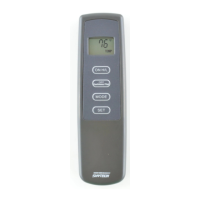
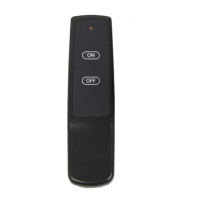
TRANSMITTER WALL MOUNT
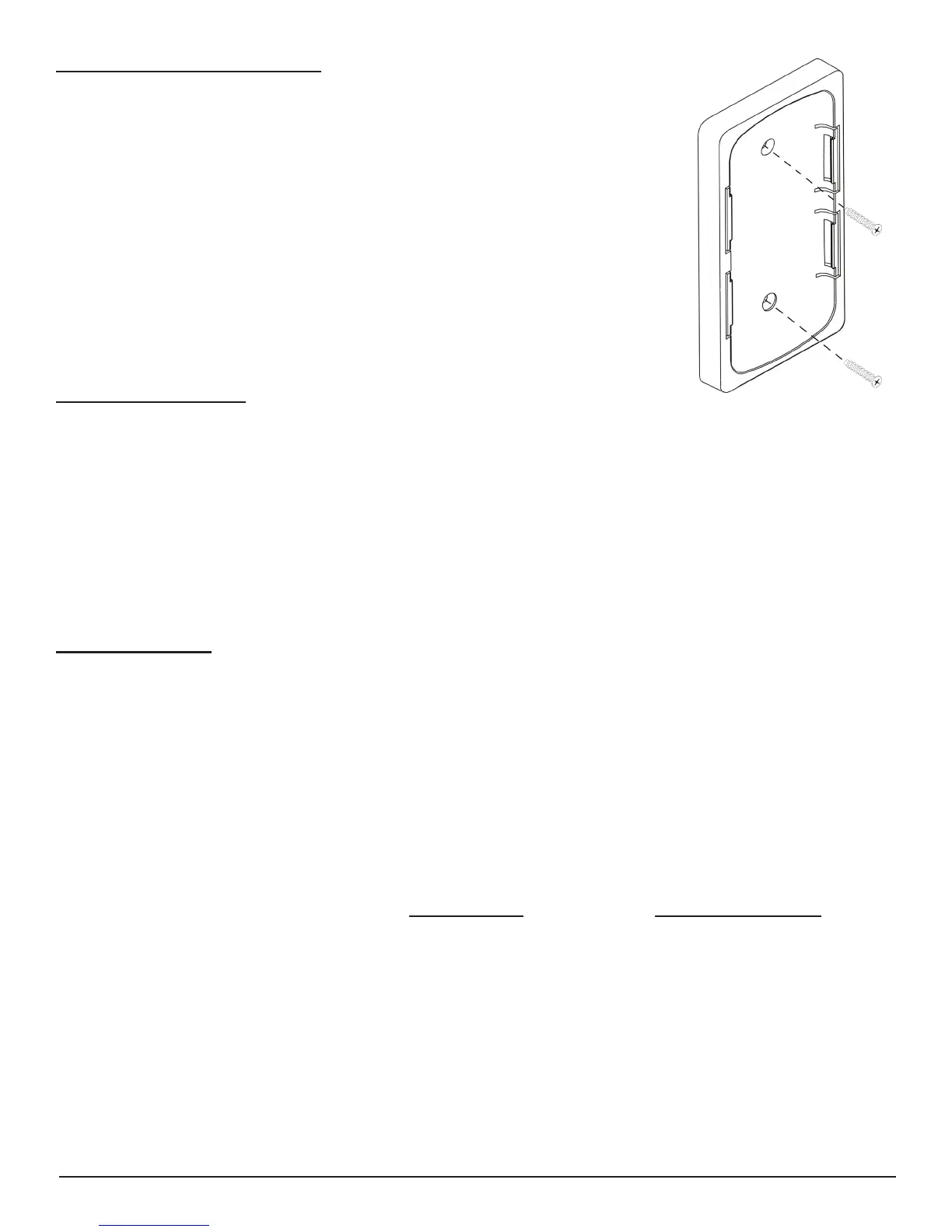
The transmitter can be placed on a wall using the mount provided.
Wood - Drill 1/8’’ pilot holes and install with screws provided. Plaster/Wallboard - Drill
1/4’’ holes, use a hammer to tap in the two plastic anchors. Then install with the screws
provided.
If you encounter problems with your replace system, the problem may be with the replace itself or it could be with the
SKYTECH remote. Review the replace manufacturer’s operation manual to make sure all connections are properly
made. Then check the operation of the SKYTECH remote in the following manner:
• Make sure the batteries are correctly installed in the RECEIVER. One reversed battery will keep receiver from
operating properly.
• Check battery in Transmitter to make sure contacts are touching (+) and (-) ends of battery.
• Be sure RECEIVER and Transmitter is within 20 to 25-feet of operating range.
• Keep RECEIVER from temperatures exceeding 130° F. Battery life shortened when ambient temperatures are above
130° F.
• If RECEIVER is installed in tightly enclosed metal surround, the operating distance will be shortened.
TROUBLESHOOTING
SPECIFICATIONS
BATTERIES: Transmitter 6V – 4ea. AAA 1.5 Alkaline
Remote Receiver 6V – 4ea. AA 1.5 Alkaline
FCC ID No.’s: transmitter K9L5001; Canadian ISC ID No.’s: transmitter –2439A-5001
Operating Frequency: 303.875MHZ
FOR TECHNICAL U.S. INQUIRIES CANADIAN INQUIRIES
SERVICE, CALL: (855) 498-8324 or (260) 459-1703 (877) 472-3923
For Sales: (888) 672-8929
Website: skytechpg.com
MANUFACTURED EXCLUSIVELY FOR SKYTECH II, INC
Skytech Model: 5001
REV. 11-10-16 Page 6 of 6


 To Previous Page