Page6
R. SYSTEM OPERATION WITHOUT HANDHELD REMOTE
Thissystemisdesignedtooperatewiththehandheldremoteorathermostat,butintheunlikelyeventthatitisrequiredtobeoperatedwithoutthe
hand held remote or a thermostat, follow this simple procedure.
SlideREMOTE /OFF switch on main control module to OFF.ThereplacecannowbelitandshutoffbyuseoftheON/OFF rocker switch located
nexttothemodule.
LEARN BUTTON
PILOT IGNITOR
CONNECTION
PILOT SENSOR
CONNECTION
REMOTE
ON/OFF SWITCH
CONTINUOUS
PILOT SWITCH
120 VAC
ADAPTER
CONNECTION
WIRE HARNESS CONNECTION
TO EXTENSION MODULE
TO VALVE STEPPER MOTOR
▲
▲
▲
▲
▲
▲
▲
▲
Switch
Remote
To OFF
Figure 17R
IMPORTANT NOTE
When operating replace in this capacity, the only function available is burner operation on HI.
17 - REMOTE RECEIVER INFORMATION
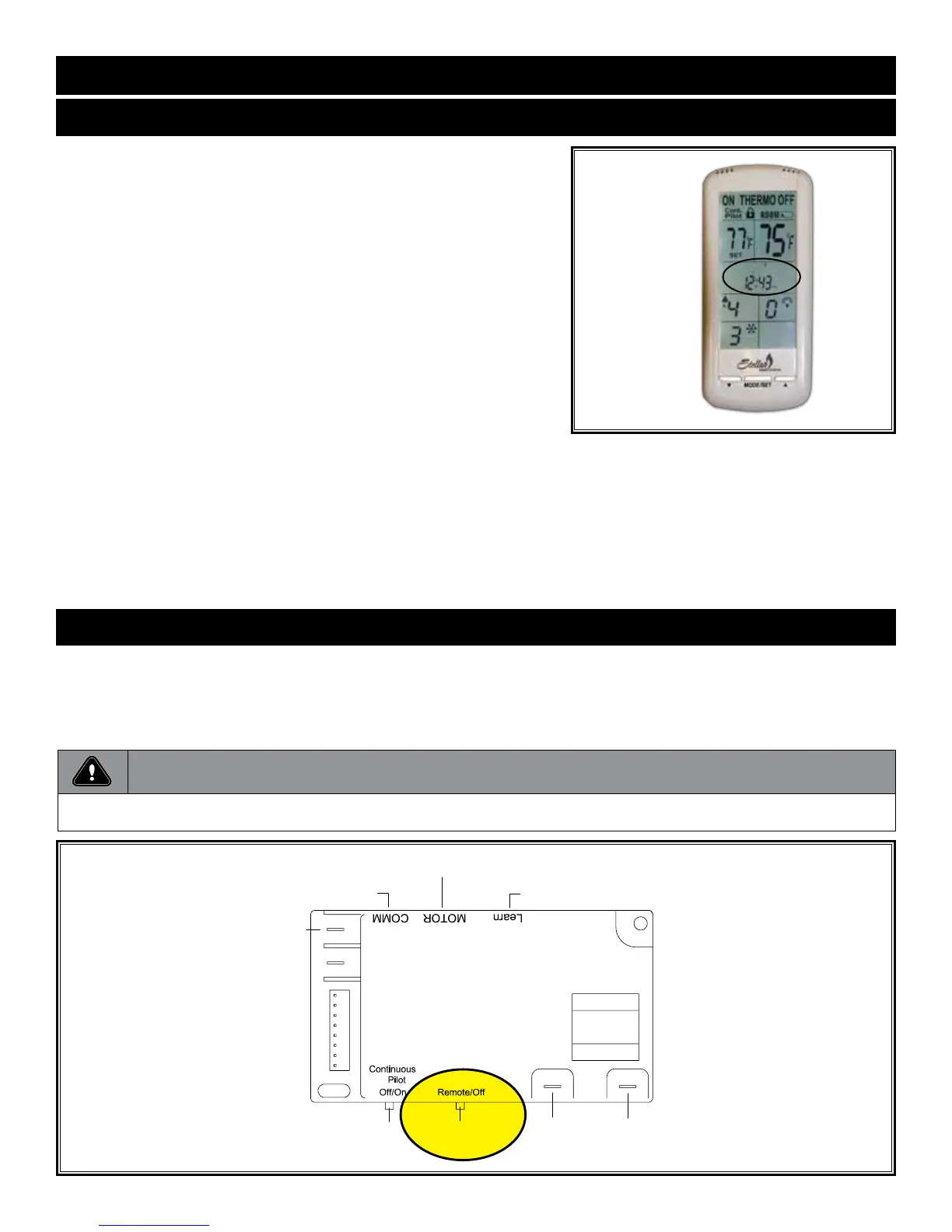
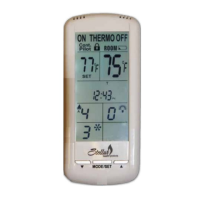
Q. SET THE DAY AND TIME DISPLAY
Thecurrentdayoftheweekandtimeofdaywillbecontinuouslydisplayedinthe
TIME/PROGZone(exceptduringSETUPoperations).
Thedayoftheweekwillbedisplayedasoneofthefollowing:S,M,T,W,T,F,S.
TheTimeofdaywillbein12-hourAM,12-hourPMformatwithmidnightbeing
displayedas12:00am.
DAY-PressandholdtheMODEZoneortheMODE/SETbuttonfor5seconds.
PresstheUPorDOWNbuttonstoadjusttothedesireddayoftheweek.
PresstheMODE/SETbuttontosetorwait15secondsandthecontrolwill
automaticallyaccepttheday,thenenterthehourofdayadjustment.
HOUR:PresstheUPorDOWNbuttonstoadjustthehouroftheday.The
timewilladvancein1-hourincrements;AMandPMwillchangewhenthehour
advancesto12:00midnightand12:00noonrespectively.Oncethedesiredtime
ofdayisdisplayed,presstheMODE/SETbuttontosetorwaitfor15seconds
and the control will automatically accept the hour, then enter minute of hour
adjustment.
MINUTE(S):PresstheUPorDOWNbuttonstoadjusttheminuteofthehour.
Thetimewilladvancein1-minuteincrements.PresstheMODE/SETbutton
oncethedesiredminuteisreachedorwait15secondsandthecontrolwill
automaticallyacceptthenewtime,andexitDAY/TIMESetupandreturnto
normal screen operation.
Figure 17Q


 To Previous Page