16
When later in use, after base NS-HP-GN2 gets position fix and self-surveyed for 60 seconds, it enters
into static mode. On GNSS Viewer scatter plot view, one will see the blue dot stop drifting around
after static mode is entered; Set Origin button may need to be clicked to center the view in order to
see the scatter plot. Next time powering on the base NS-HP-GN2, it will still start from survey mode
again, self-survey for 60 seconds, with self-surveyed antenna location at different location unless static
mode is chosen and a constant position is entered. To see what the self-surveyed latitude, longitude,
and altitude values are, from GNSS Viewer RTK pull-down menu, select Query RTK Mode And
Operational Function.
To use the base at some fixed location, use these steps to self-survey and retrieve surveyed antenna
position, then set the antenna position into the base NS-HP-GN2 so that it’ll have the same entered
position every time it’s powered on later. No need to set the antenna position into base NS-HP-GN2 if
only testing and becoming acquainted with it.
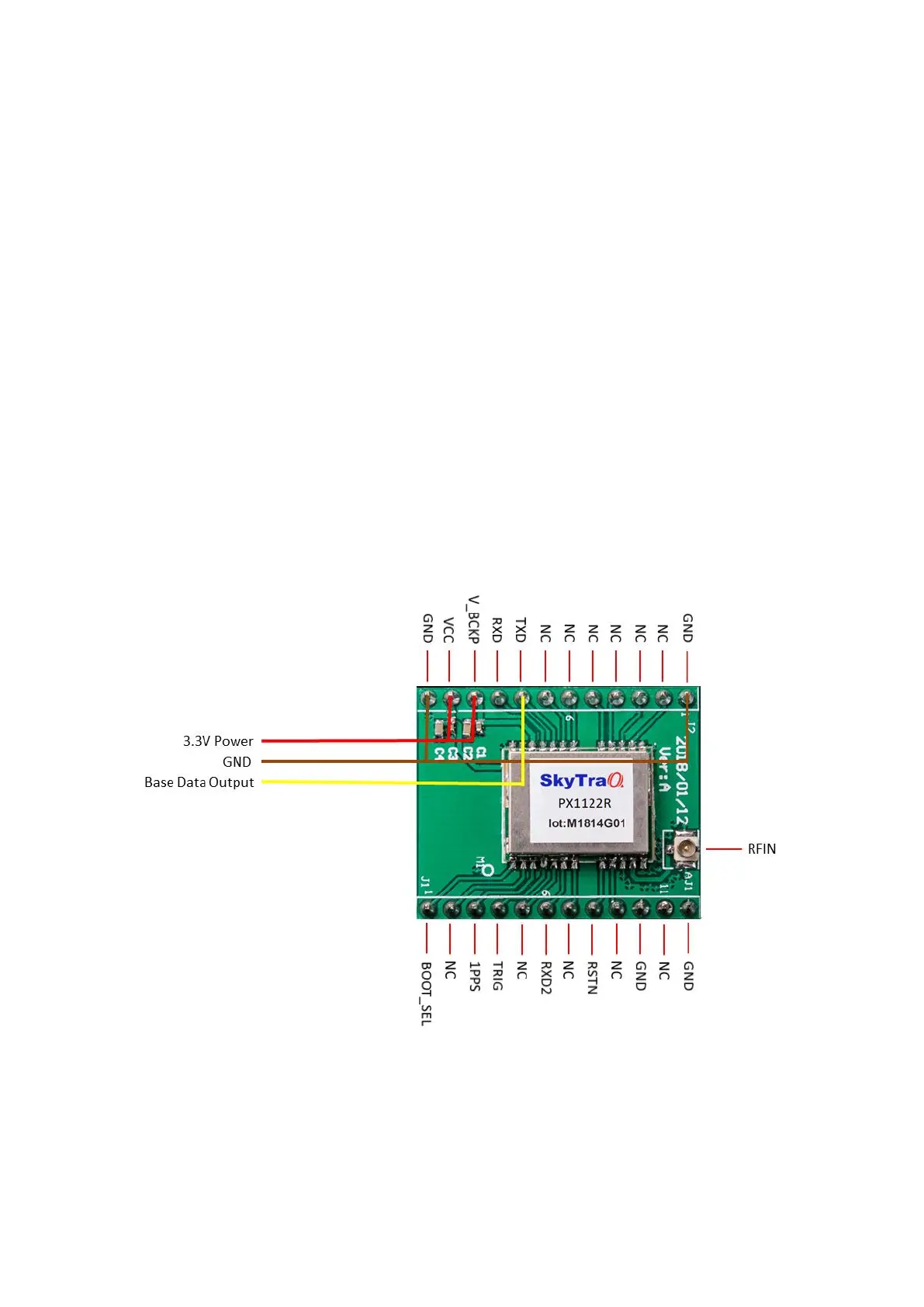
Once base NS-HP-GN2 has been properly configured, later usage require only connecting an RTK
antenna, apply power, and send TXD base output data to the rover NS-HP-GN2.


 To Next Page