9
5. CHECK OUT BASIC GPS FUNCTIONALITY
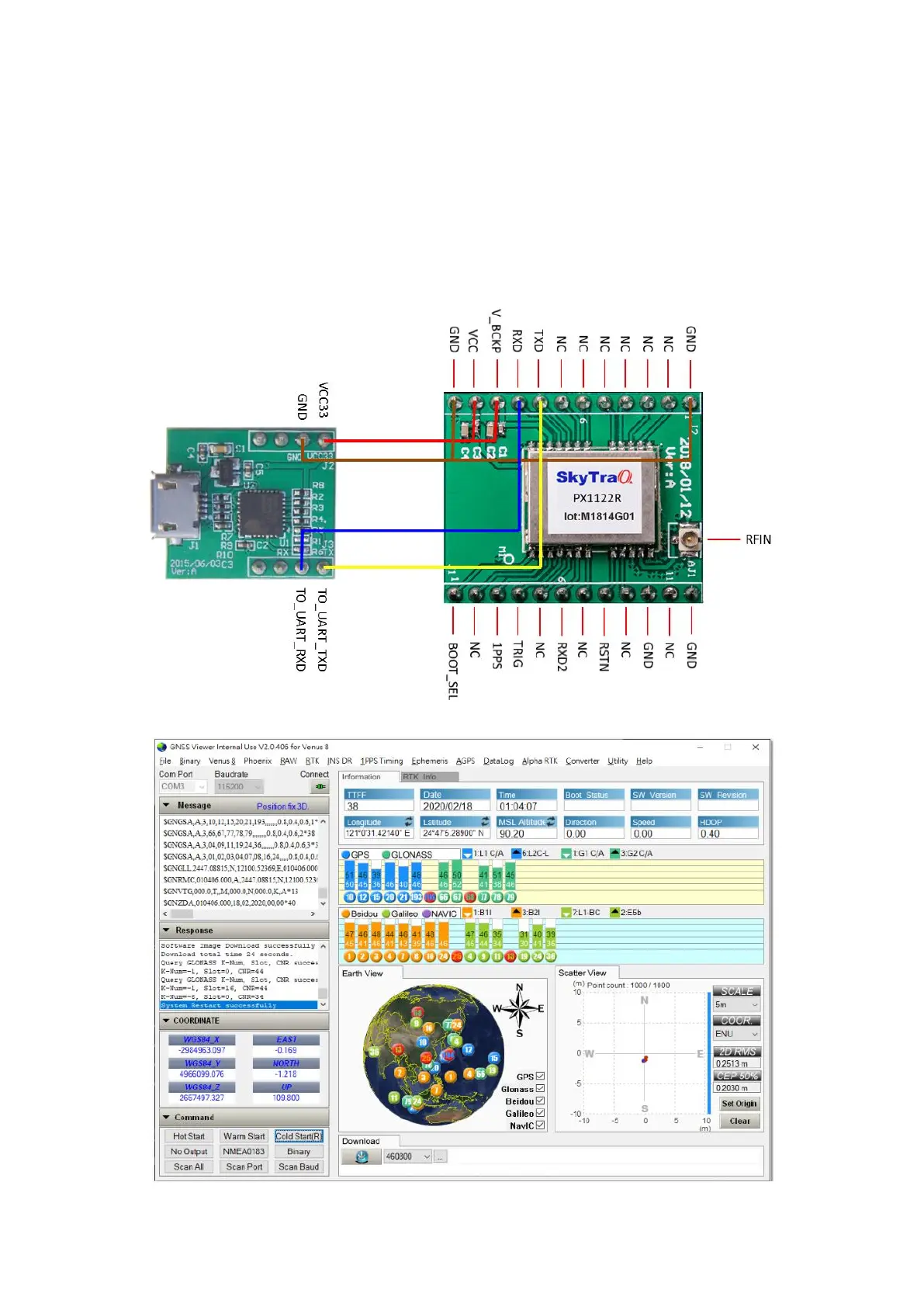
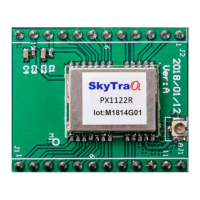
Hook up as below, connect to an UART-to-USB bridge breakout board, connect antenna to RF_IN, and
place antenna at a location having clear sky view. After driver for the UART-to-USB bridge chip has
been installed, select proper COM port and 115200 baud rate on GNSS Viewer, click CLOSE, GNSS
Viewer will show signal being acquired and tracked.


 To Next Page