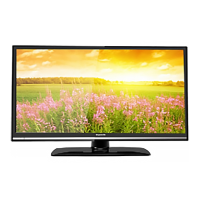
8M48A/S Factory Adjust Menu
(V0.0)
1. Description
Enter factory mode:
Open source menu,and then press digital button “3”, “1”, “9” , “5” in
turns to enter the factory menu. Press ↑ and ↓ button to choose the
item, press OK button enter the submenu, press MENU to ruturn to
upper menu , press ← and → button to adjust the value,
Leave factory mode:
Press menu button to back to upper menu until leave factory mode。
Software information:
Enter factory mode, you can get the software information from the
bottom of the menu.
Panel information:
Enter factory mode, enter “Panel SETTING” item, you can get the
panel information from the bottom of this menu.
Aging mode:
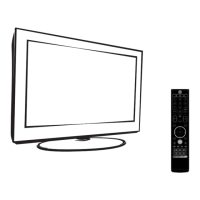
You can press the shortcut key in the factory remote control to open
or close the aging mode.
ADC adjusts:
YPBPR source ADC:
Switch to YPBPR source, input 100% color bar pattern, enter


 To Next Page