Picture Mode
Adjusts the picture mode: Personal, Bright, Normal,
Soft four kinds of image mode.
Sharpness
Adjusts the sharpness of the picture. This function is not
available in PC mode.
Brightness
Adjusts the brightness of the picture, and usually is
adjusted together with Contrast.
Contrast
Adjusts the difference between the light and dark areas
of the picture. To get better picture value, Contrast should
be adjusted to the proper value.
Color
Adjusts the richness of colour. This function is not available
in PC mode.
Basic Operation
Picture Settings
This section explains the menus of your TV. Each menu is outlined and detailed to help you
get the most from your TV.
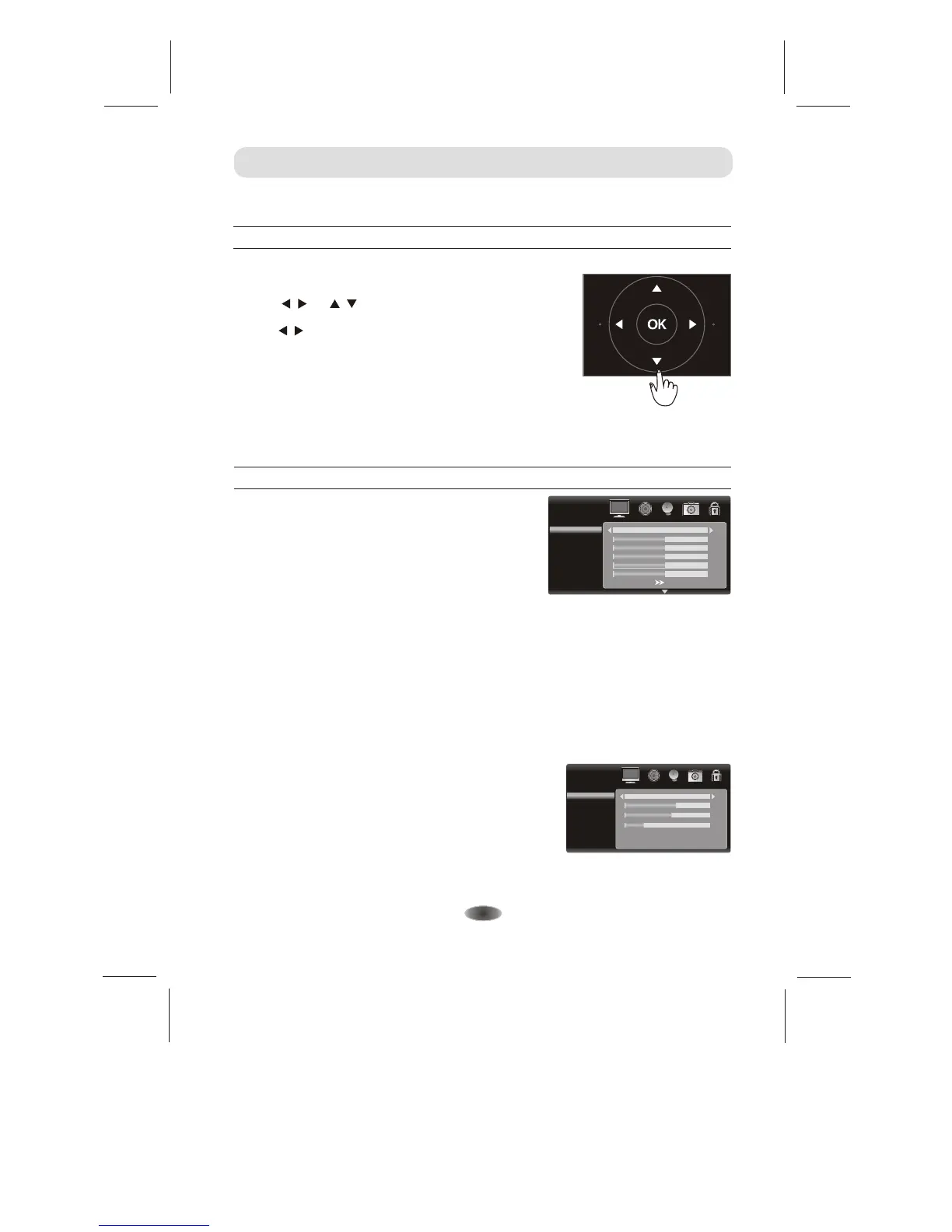
1. Press MENU on the remote control or on the TV key
panel to display the main menu.
2. Press / and / to highlight the desired menu/item.
3. Press / to change the setting.
4. Press MENU to save setting and go back to last menu.
Note: Button on the key panel have the same functions
as the corresponding buttons on the remote control.
The scheme and description are in TV mode as below, there will be a note if there is exception.
MENU CONTROL
Tint
A
Only can be done under the NTSC system.
djust the tint of the picture.
Color temperature
Color Temperature Adjusts the colour temperature of the
picture, to select the option:
as you desired.
Press OK button to enter the color temperature sub menu.
Cool, Neutral, Warm, Personal
PICTURE
Personal
Color Temperature
Red
Green
Blue
55
50
20
-14-
PICTURE
Picture Mode
Brightness
Contrast
Color
Sharpness
Color temperature
Tint
50
Personal
50
50
50
50


 To Next Page