OSD Language
Select you desired OSD language.
Setup Settings
-17-
TTX Language
Select the desired Teletext language: West Europe /
East Europe / Russian / Arabic.
User Reset
Restore the menu setting back to default, do not include the Set Password item.""
Set Password
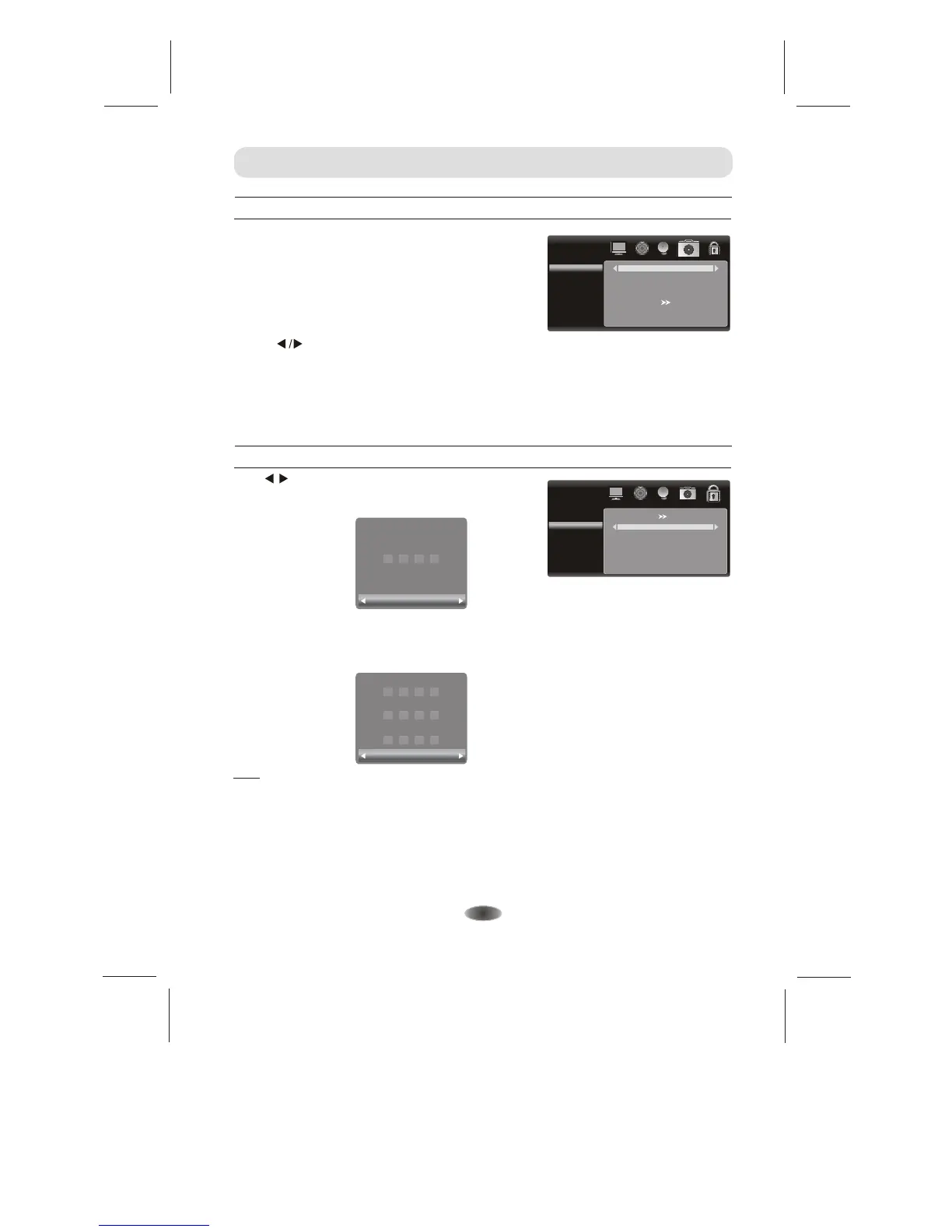
To set your own password, first enter the old password, and then enter your new password twice,
following the prompts as illustrated below.
Advanced Settings
Free Record Limit 6Hr.
Please enter password
Clear Cancel
Free Record Limit 6Hr.
Enter Old Password
Clear Cancel
Enter New Password
Confirm Password
Press / button to select Advanced menu, then press [OK]
button to enter. Input password to enter, default password is
0000 . ""
ADVANCED
Set Password
Lock Panel Keys
Off
Note:
- Default password is [0000].
- The Super password is [8899].
In the event whereby new password is forgotten, you can use Super Password as the old password to
reset a new password. Or directly using the super password to enter.
Nicam (Option)
Press " " button to select other sound
when the signal has more than one.
MENU CONTROL
Lock Panel Keys
Set On/Off to Lock or unlock the control on the panel.
SETUP
OSD Language
TTX Language
Nicam
User Reset
Sleep Timer
English
Russian
Mono
Off
Sleep Timer
Set the sleep timer. The TV will automatically enter standby mode after times up.


 To Next Page