-10-
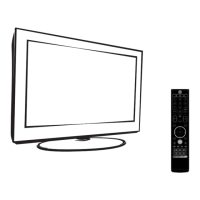
Front Remote Control
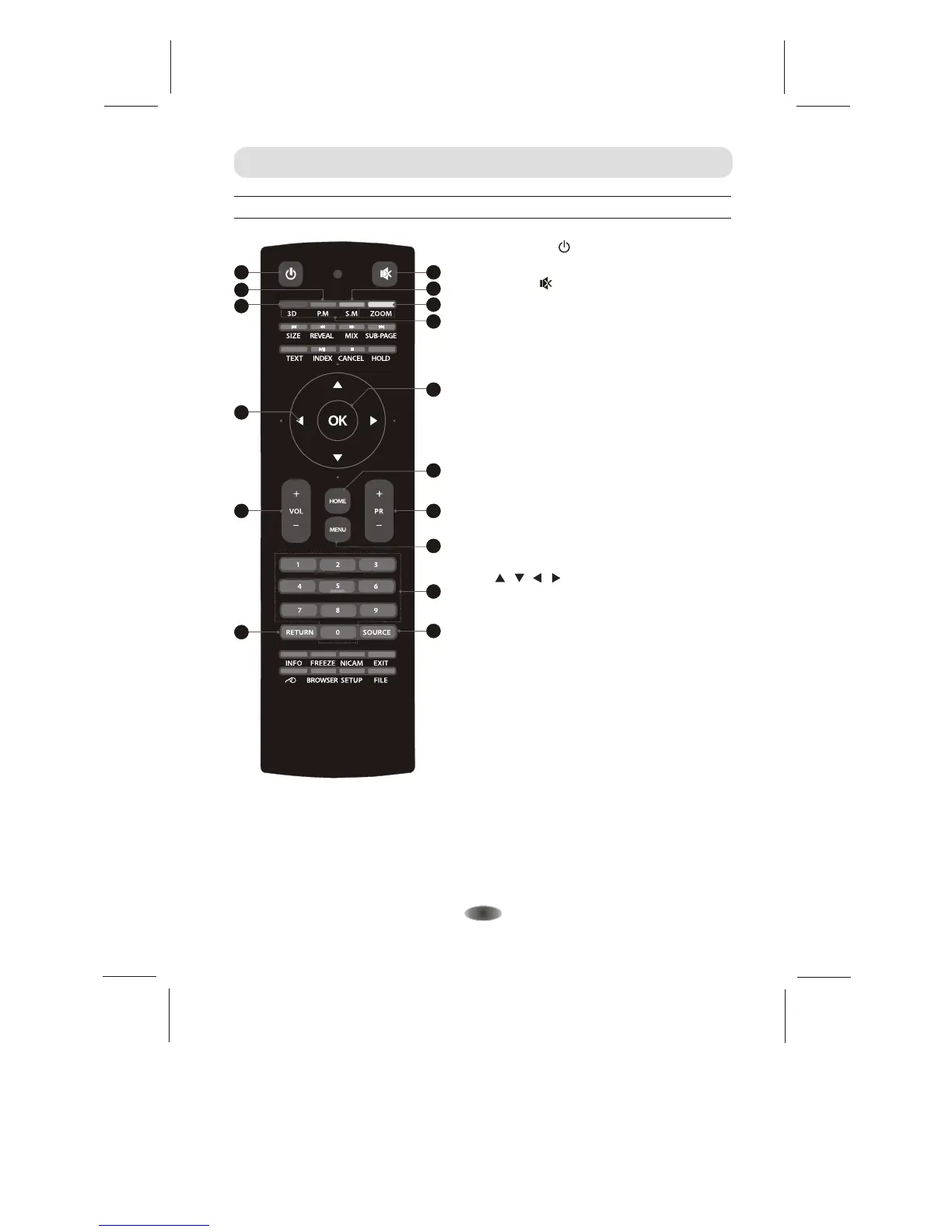
2. MUTE( )
Press to mute or restore the volume.
14. Program Select (0-9)
Press to select the TV channel directly.
1. POWER( )
Press to turn the TV on or off(standby).
15. RETURN
Press to return to the previously viewed.
12.
Press to select previous/next channel.
Program Up/Down (PR+/PR-)
11. Volume Up/Down (VOL+/VOL-)
Press to adjust the volume.
EXTERNAL SCHEMATIC AND INSTALLATION
13. MENU
Press to enter or exit from the TV menu.
16. SOURCE
Press to select the input source mode.
9. Up/Down/Left/Right Cursor
( / / / )
Press to select or adjust the desired item
on the menu.
8. OK
Press to confirm and execute the selection.
5. 3D(option)
Press to enter or exit the 3D menu.
7. COLOUR
(Red/Green/Yellow/Blue)
Press these buttons that corresponds to
the desired menu or page number.
Note: Use in teletext mode.
3. Picture Mode( P.M. )
Press to select the desired picture
mode.
4. Sound Mode( S.M. )
Press to select the desired sound mode.
6. ZOOM
Press to select the desired picture aspect ratio.
10. HOME
Enter to the android system.
1
2
15
5
6
3
8
4
7
9
11
12
14
10
13
16


 To Next Page