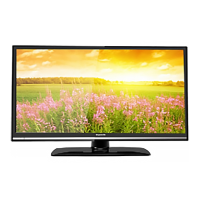
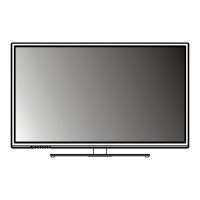
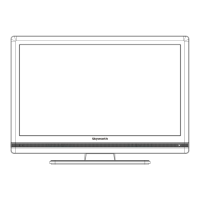
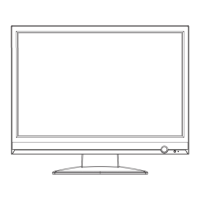
EXTERNAL SCHEMATIC AND INSTALLATION
-11-
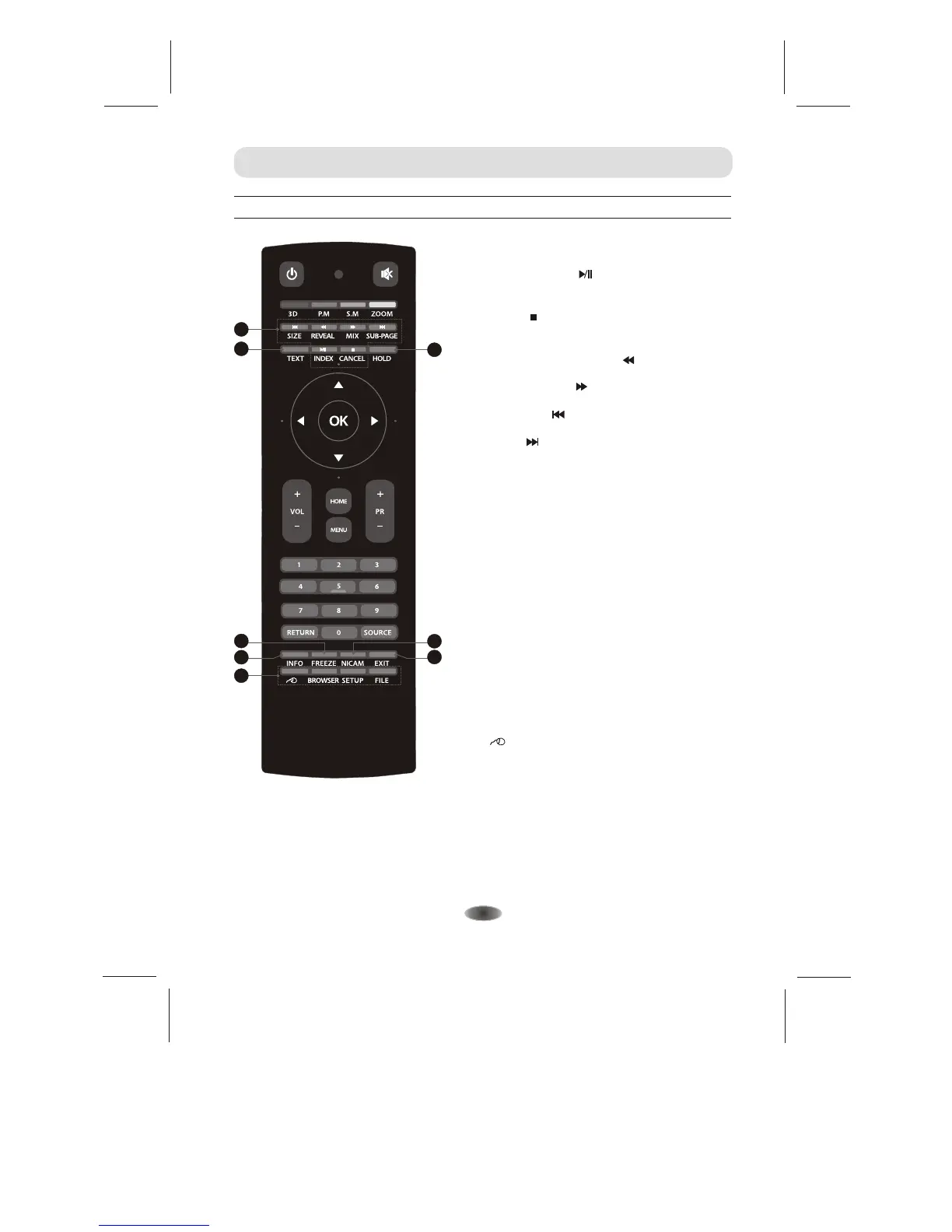
Front Remote Control
17. Android System Video/Music Player
Control Buttons
Play & Pause ( )
Press to pause playback,
press again to continue playback.
Fast Backward Button( )
Press to fast reverse.
Fast Forward ( )
Press to fast forward.
Previous ( )
Press to play the previous file.
Next ( )
Press to play the next file.
Stop ( )
Press the stop button to stop and go to the begin
block of the video music.
21.NICAM
Press to select a different sound when the
source is different.
22.INFO
Press to display relevant information such as
screen format, source, etc.
18.TEXT
Press to enter or exit the teletext menu.
19.HOLD
Press to hold the teletext page on screen
without update and changes. Press again to
release the hold state.
17
19
18
26
20
21
24
20.FREEZE
Press to freeze or unfreeze the picture.
23. EXIT
Press to exit from any menu.
FILE
Home button for directly go into File Manager
application in android system.
BROWSER
Home button for directly go into Browser
application in android system.
22
23
SETUP
Home button for directly push out setting menu
in android system.
Wire mouse on/off Button in android system.
24. Android System Special Button


 To Next Page