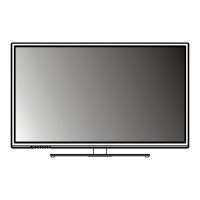
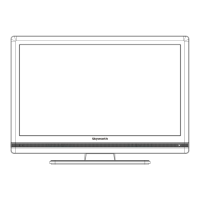
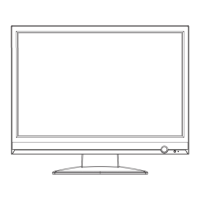
EXTERNAL SCHEMATIC AND INSTALLATION
-12-
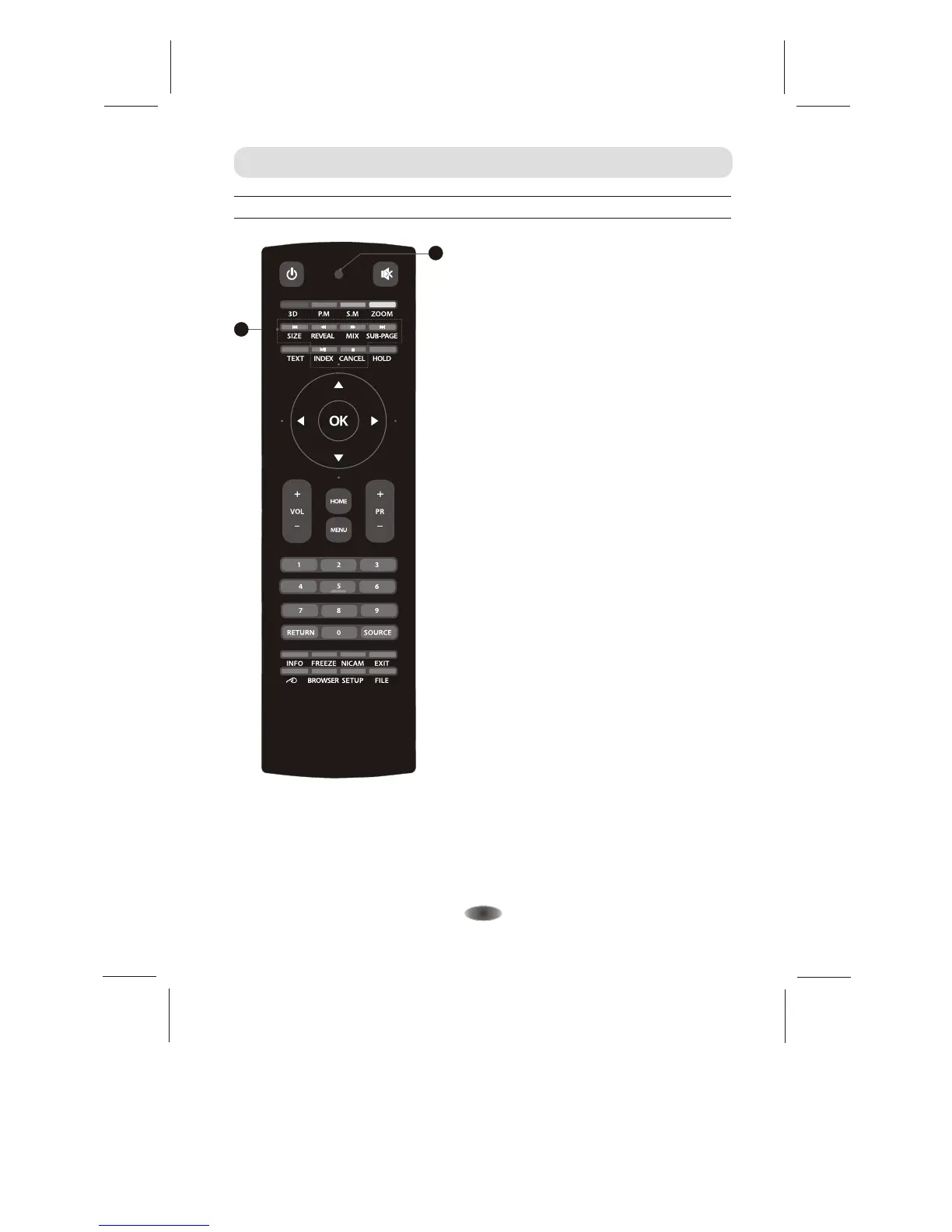
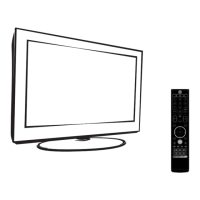
Front Remote Control
INDEX
Press this button to display index page.
REVEAL
Press this button to display concealed
information, such as solutions to riddles
or puzzles. Press again to remove the
information from the display.
MIX
Press this button to superimpose the
teletext over the TV program.
Press again to return to normal teletext
mode.
26. SIZE/ REVEAL/ MIX/SUB-PAGE/INDEX/
CANEL Teletext Control Button
26
SUB-PAGE
Press this button to enter or exit
subpage mode (if subpage is available).
Press Red / Green buttons to select the
desired subpage.
CANCEL
Press this button to return to TV
program temporarily while searching for
a Teletext page. When the search is
done, the page number will be displayed
on the upper left of the screen.
Press again to return to the Teletext page.
25. Power Indicate
When this LED turn on, it mean by the battery
is short of power, you may change battery.
25
SIZE
Enlarge the teletext display: Press this
button once to enlarge upper half of the
screen. Press this button again to
enlarge lower half of the screen. Press
this button again to resume to normal
screen size.


 To Next Page