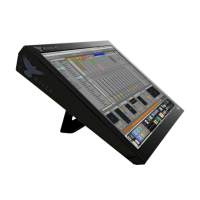
Along with the MTi, you will also notice two available metal stands and four
screws. Attach the stand to the back of the MTi using the four screws and to
prop the MTi to its inclined state.
Note: Do not attempt to plug in any cords until the stand has been attached to
the body.
Connecting RAVEN MTi to your computer
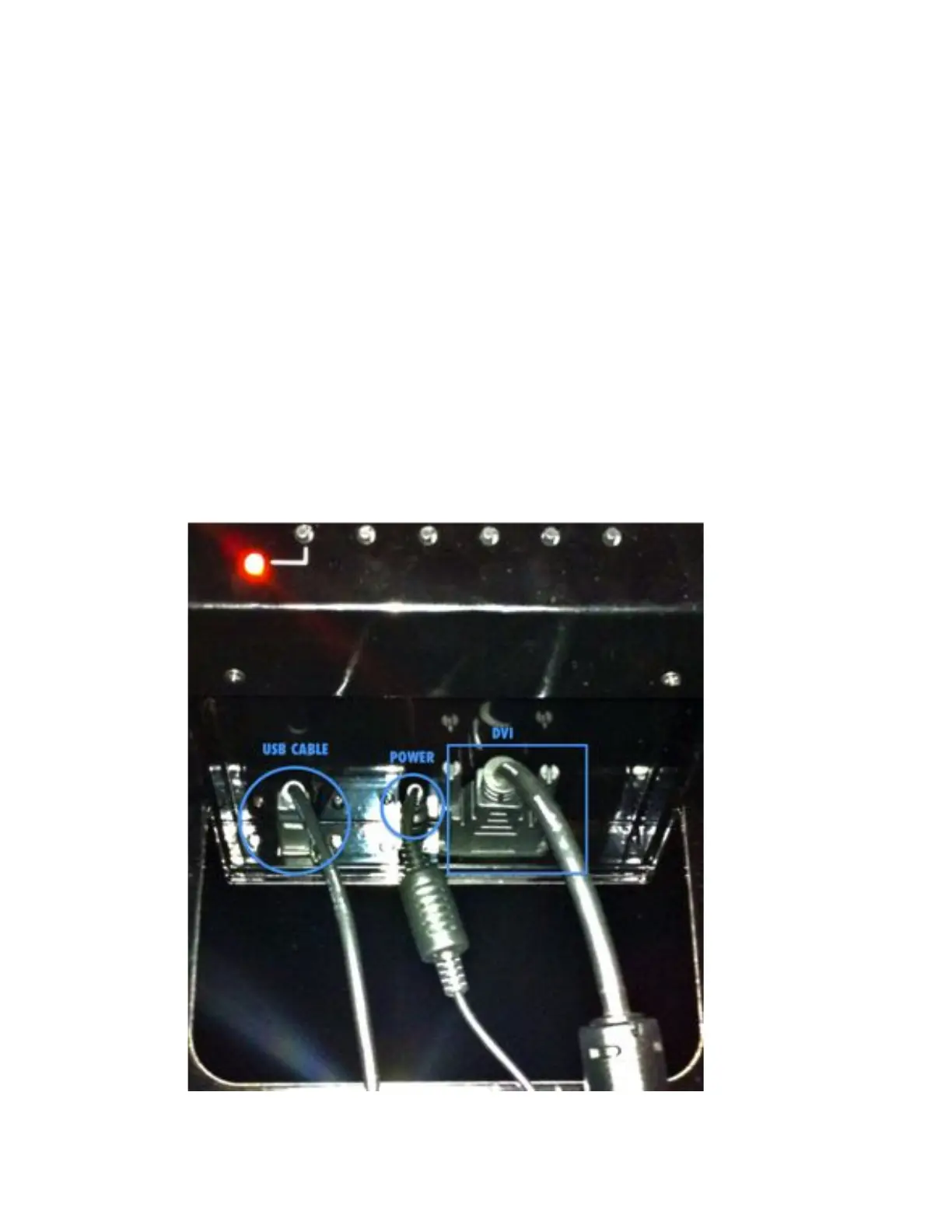
● RAVEN MTi connects to your computer using a DVI and USB connection
1 Attach DVI video cable to the first slot on your Mac Pro. (Note, HDMI is
also available if you prefer.)
2 Connect USB to any available slot on your computer.
3 Turn computer on and computer will sync to display.
4 In System Preferences, click Displays and select the RAVEN MTi as your
main display.



 To Next Page