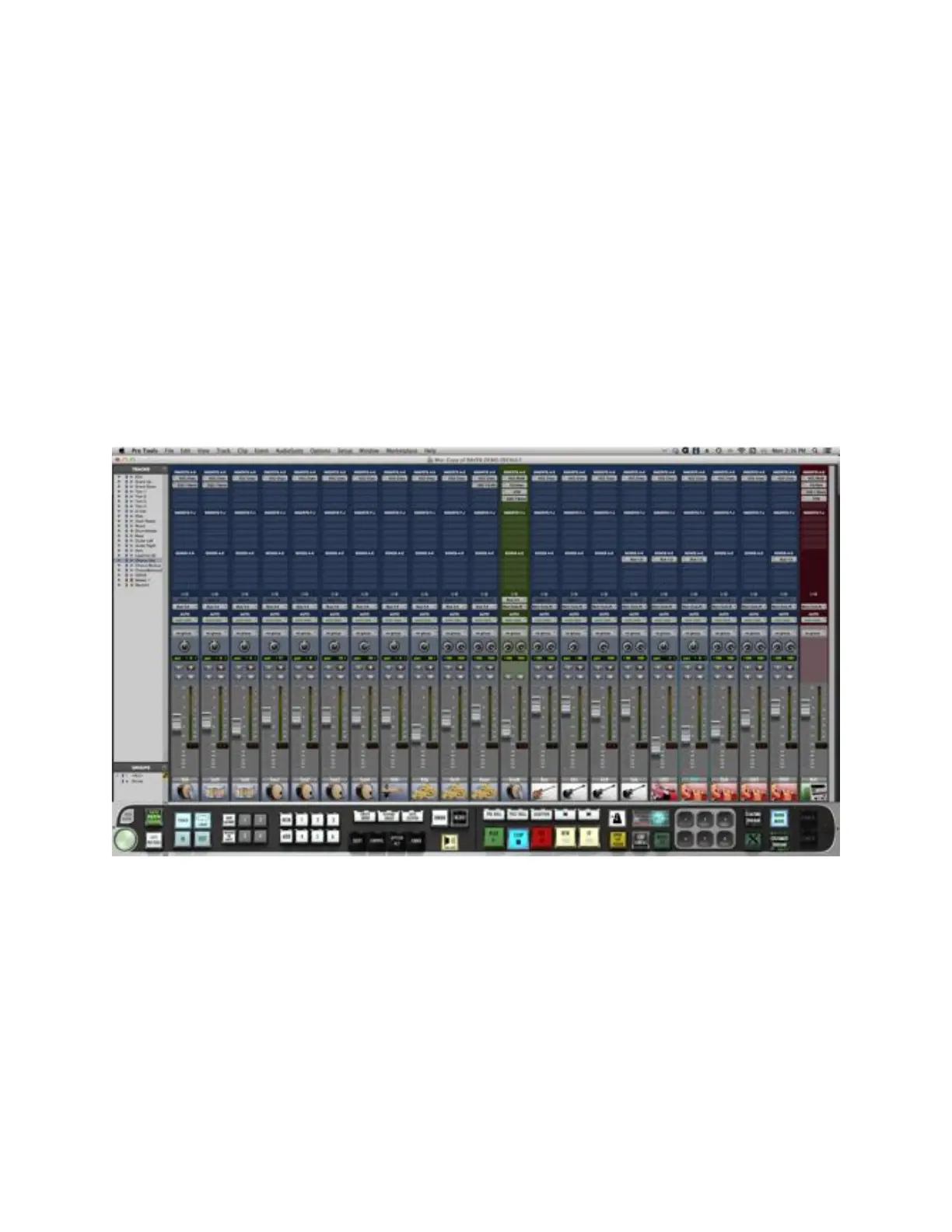
17) Again, take the lower right corner of the Pro Tools Edit window and align it
so it displays completely with the scroll bars aligning with the top of the second
Raven Toolbar rack.
18) Save Pro Tools by touching the SAVE PRO TOOLS button on the lower left
of the Raven Toolbar and you are ready to mix.
RAVEN MTi Software Features
RAVEN MTi is loaded with many custom features made for a touch screen.
The RAVEN Mixer
The RAVEN Toolbars provide controls typical of most DAW’s. From the RAVEN
Mixer you are able to have MultiTouch access to all of the controls of the mixer.
RAVEN Channel Strip
The RAVEN channel strip is where you find your controls. Examples are: faders,
solos, mutes, pans, inserts, and automation modes



 To Next Page