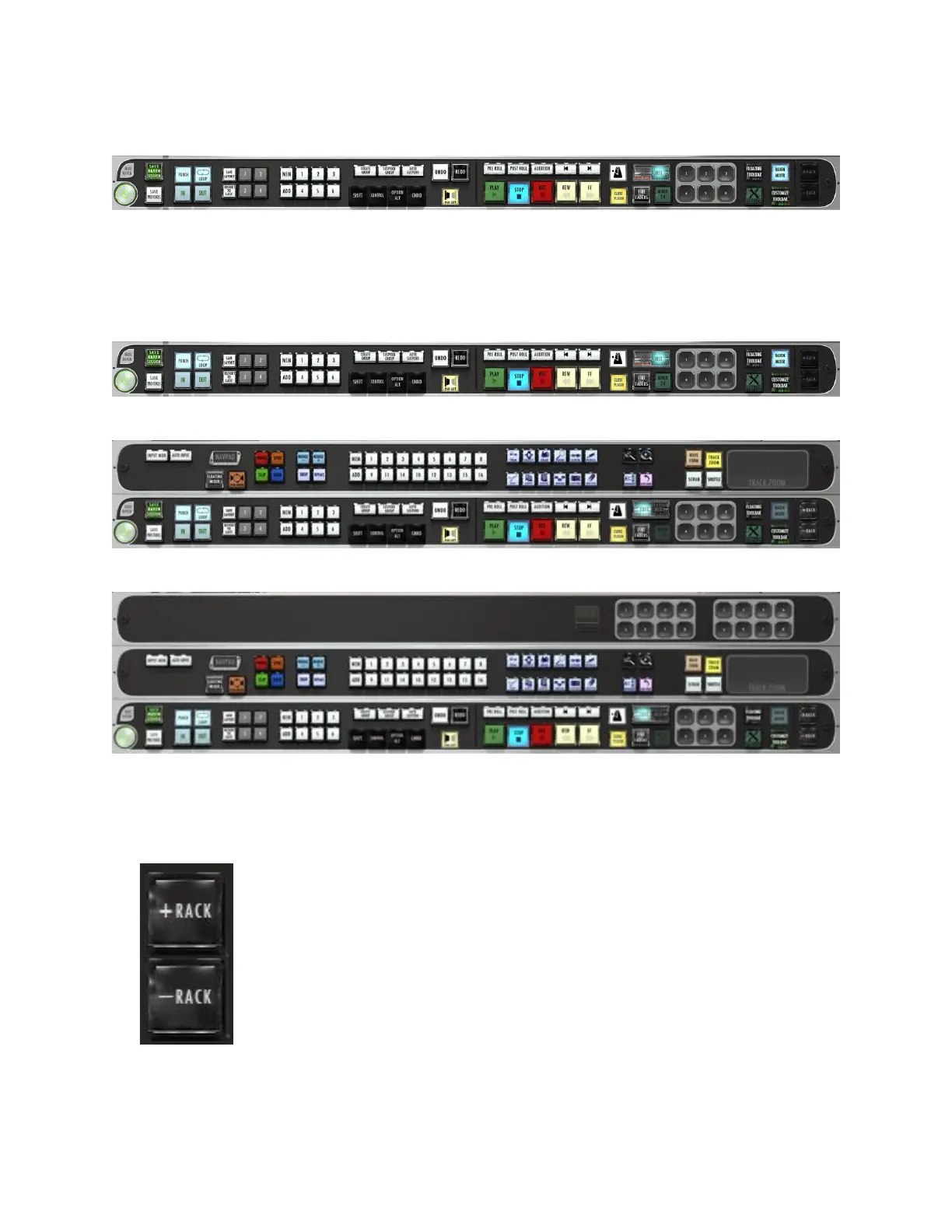
RAVEN Toolbar
The RAVEN Toolbar rests on the bottom of the screen and is the control center
for many essential features. It can be viewed with a single, double, or triple rack
space using the + and – rack buttons.
Single Rack:
Double Rack:
Triple Rack:
To Add or Remove Racks press the + to show more racks in your toolbar or – to
show less racks. RAVEN Racks can be customized to show as many or few tools
as you would like.
To interact with your OS while RAVEN is open, we have provided a quick and
easy Hide RAVEN button above the RAVEN Power button on the RAVEN



 To Next Page