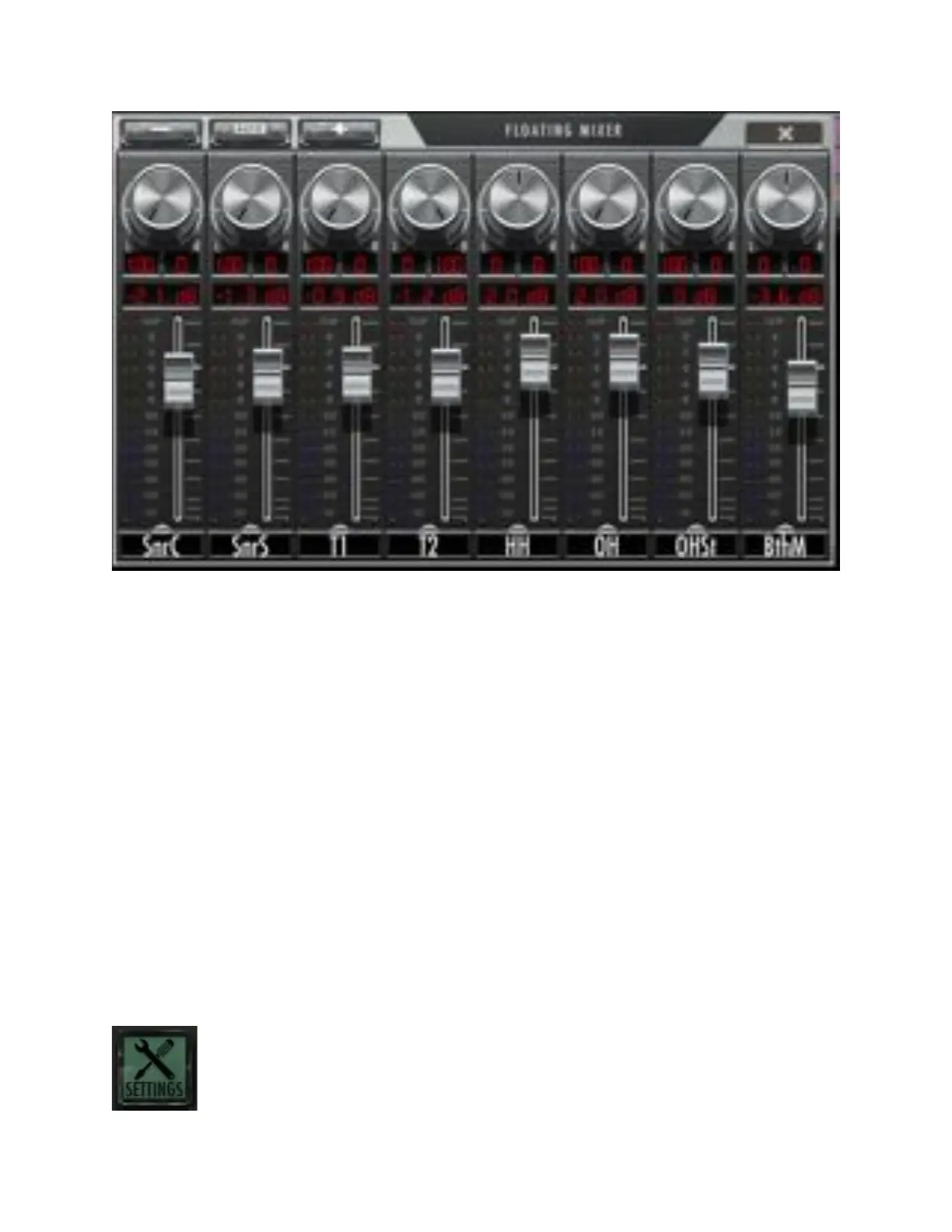
Pressing the “X” button on the top right of the heading will close the Floating
Mixer.
Banking the mixer using finger gestures
Like the RAVEN Mixer, the Floating Mixer can also be banked using finger
swipes. Touch the fader faceplate and glide your one finger left and/or right to
bank by one track at a time. Do not touch the fader cap for a banking motion.
Users can also bank more quickly by using two-fingers on the faceplate of the
fader tracks and swipe left or right to bank by eight tracks at a time. But note, if
there are less than eight tracks remaining in the desired direction being swiped,
you will need to swipe individually as RAVEN does not overswipe.
RAVEN Settings
Touch the Settings button and the tool racks will appear. At the very top you’ll
notice a RAVEN Settings toolbar.



 To Next Page