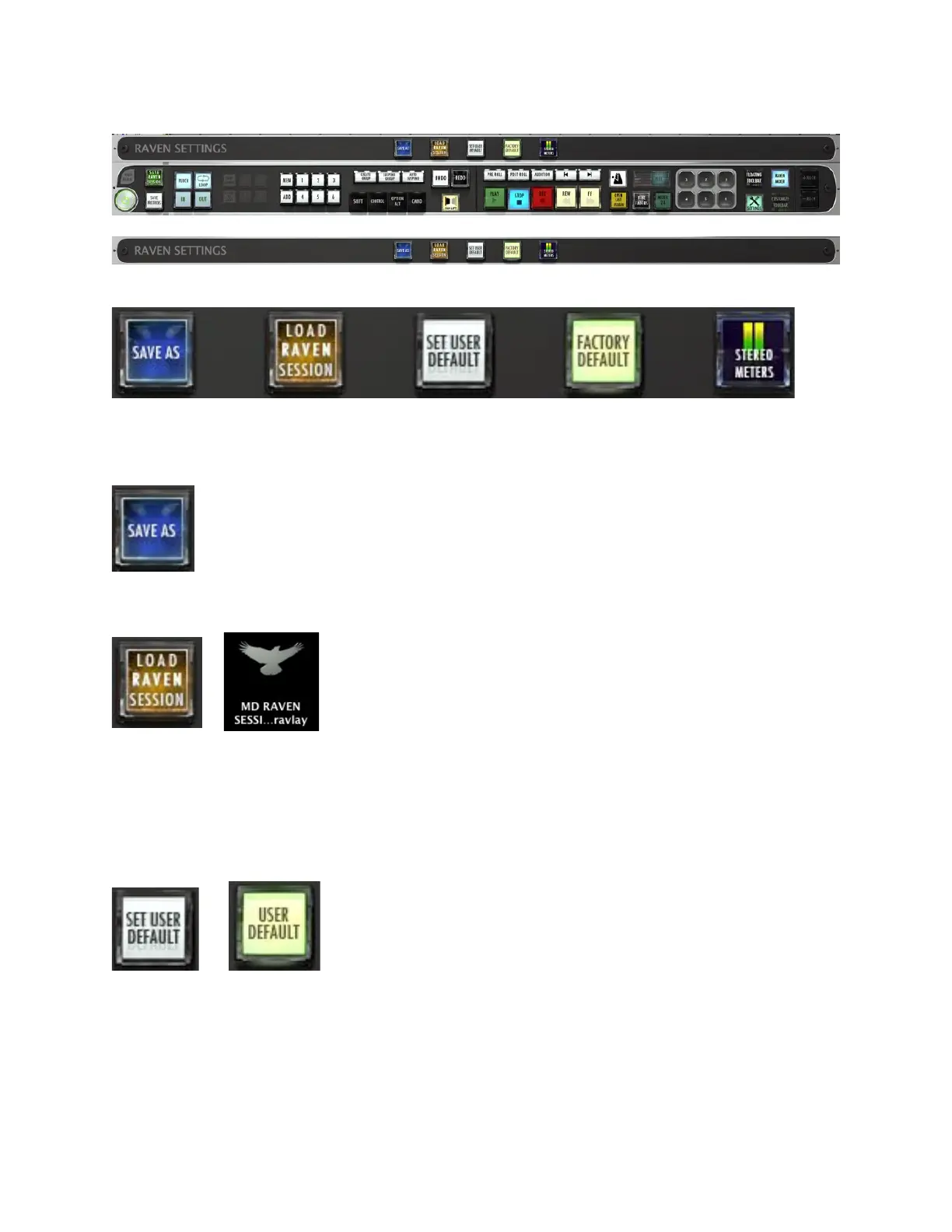
There are five buttons on the RAVEN Settings bar.
Save As – Brings up the dialog window for renaming and saving the RAVEN
session to a location.
Load RAVEN Session – Loads a previously saved RAVEN session. (.ravlay file)
Set User Default/User Default - RAVEN automatically launches in RAVEN
Factory Default layout. However, once a user gets things to the way they like
them with saved layouts, etc. The user can set their current layout to launch at
default by touching the “Set User Default” button. Once highlighted to “User
Default,” the user knows that they are using their layout as default.
Restore Factory Default/Factory Default – Restores the RAVEN software to
factory settings.



 To Next Page